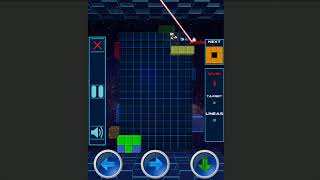
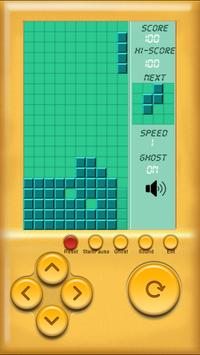
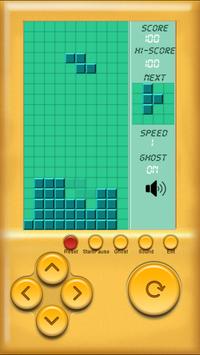
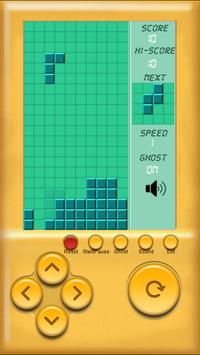
Start the game on the lowest level. As you play the game levels will go up, but you need to start at a low level to help you practice.
GAME PLAY:
The player must move and rotate the blocks as they fall, attempting to fit them together. If the player can completely fill one horizontal line with colored squares, that line disappears and any filled squares above move down. If the player is unable to fill lines completely, the Blocks will stack up and eventually reach the top of the playing field. The game ends when a new blocks that is placed at the top of the playing field is unable to drop at all due to the filled blocks.
With the different blocks:
I-blocks are useful for competing four lines at once.
O-blocks for filling large gaps.
L-blocks for filling medium-sized holes.
J-blocks face the opposite direction as L-blocks.
S-blocks for filling small holes.
Z-blocks face the opposite direction as S-blocks.
HOW TO PLAY:
- use button left, button right, button rotate to control block
- use button up and button down to control block fall faster.
Break brick game will bring you more fun!

9Apps 4.9