

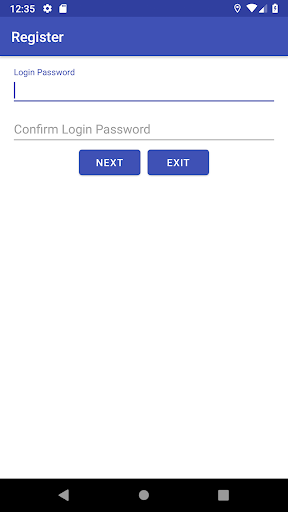
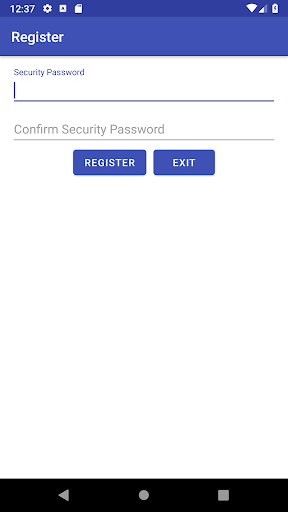
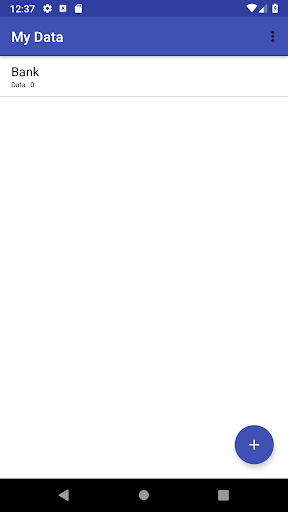
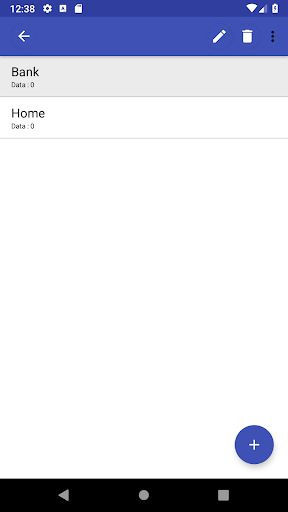
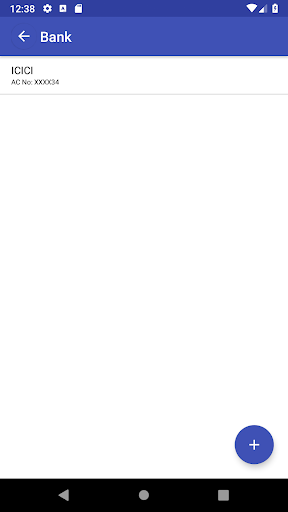
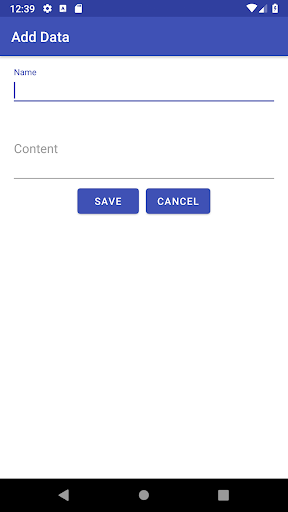
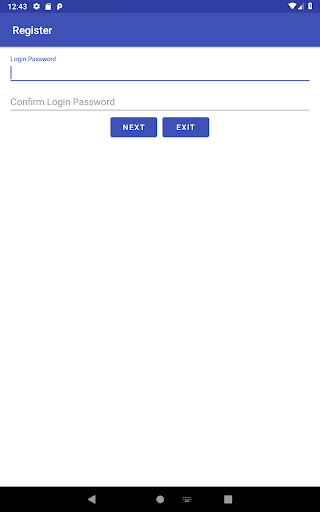
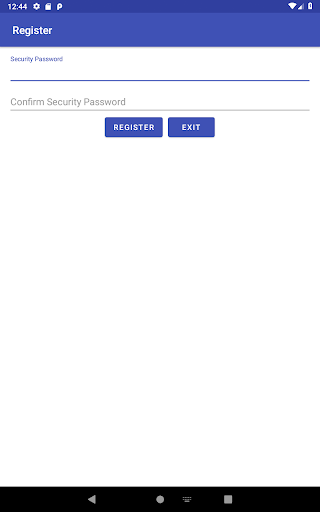
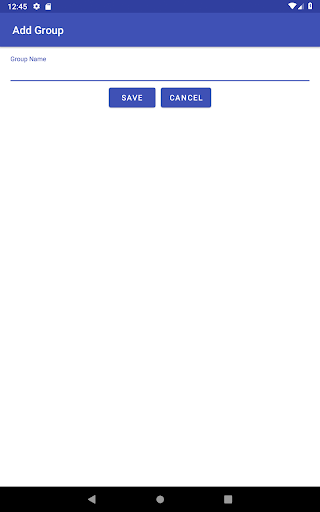
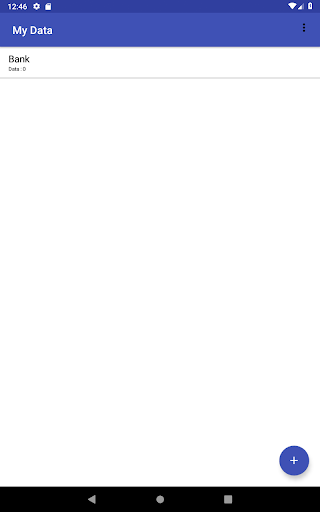
To store your personal data (like passwords, account numbers, notes, etc) securely in your mobile. This application not using internet. So don't worry about your data. It won't be stolen.
Features
☆ Encryption and Decryption used for data security.
☆ Data encrypted with the security password given by the user.
☆ A backup file is created whenever user change/add data.
☆ Manual backup option to take the backup of data immediately.
☆ The backup file encrypted with the Security Password given by the user.
☆ Import backup data option to restore the backup data. Security Password given by the user is required to perform this action.
☆ Search option to find the stored data easily.
☆ Localization Translation – English, Tamil, Chinese
Security
☆ Data are encrypted with AES Encryption Standard.
☆ Keep in mind, if you forget your Security Password there is no way to restore your backup file.
Note:
As this application not using internet, it cannot copy a backup file in a safe place. So please copy the backup file in a safe place regularly.
Data edit type added Free Text and Tabular.




9Apps 4.9









