
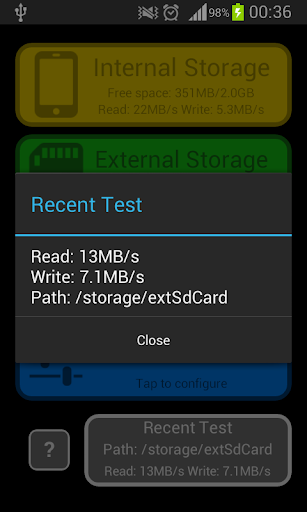
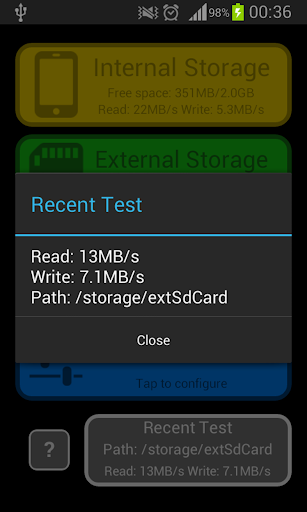
Test your disk or sd card speed & performance with this simple but powerful tool. You can test your storage at various locations (auto-detected or manually entered) using default or customized data's size.
With this performance-testing tool you can benchmark any of your phone's storage locations.
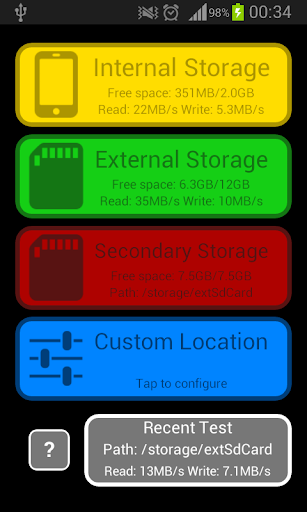
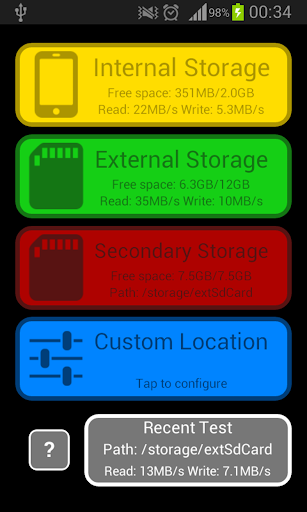
App auto-detects following locations:
★ Internal Storage: Device's internal storage. By default, files saved there are application's private files.
★ External Storage: On various devices it may be part of internal storage or external storage (for example SD card).
★ (Optional - varies with device) Secondary Storage:
One or more usually removable external storage that are addition to primary external storage (SD card, USB, etc).
App may also perform test on custom location:
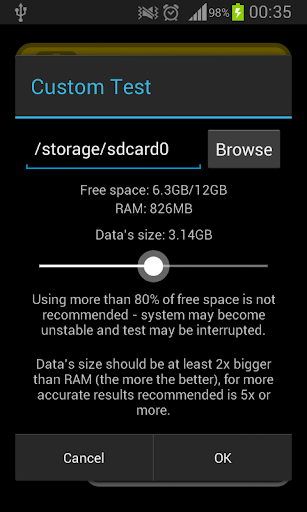
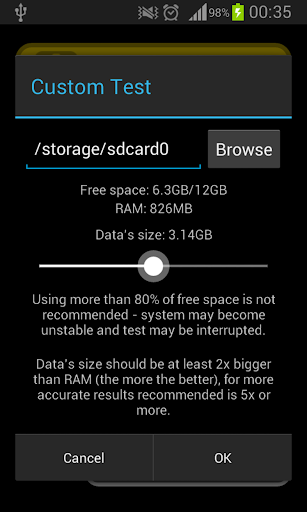
Test with custom path and data's size may be performed.
Path may be entered manually or selected by browsing to it.
Data's size is changed by moving the slider.
Please note:
-> benchmarked location should be writable (on some devices you may need extended permissions to access tested locations).
Features:
★ Simple but powerful tool for Disk speed test.
★ Checks bench performance of different internal / external disks (SD Card) or devices (USB).
★ Configurable benchmark methods.
★ Easy to use.
★ Location's free space statistics.
Useful Information:
If data's size is too small system may read from cache (in RAM which is a lot faster than permanent storage) instead of disk what makes results unreliable.
Default benchmarks try to use 2x of RAM size to perform quick and reliable enough tests.
It's recommended to use data's size 5x or more of RAM size for better results.
It's recommended to use less than 80% of available free space at tested location - default benchmarks do.
App tries to read total RAM of device at launch.
If you want to benchmark your external SD card it is usually available as External Storage or one of Secondary Storages.
For maximum performance disk shouldn't do any background operations while benchmarking.
Secondary Storage option only lists currently writable disks / devices, if your device supports USB storages then it won't show them until they are connected.
How to:
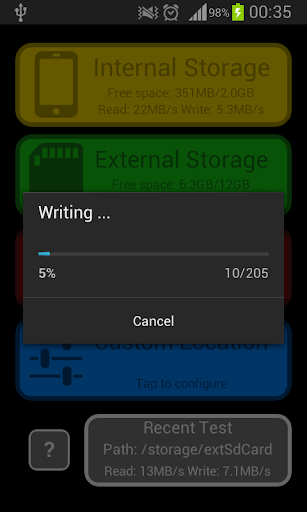
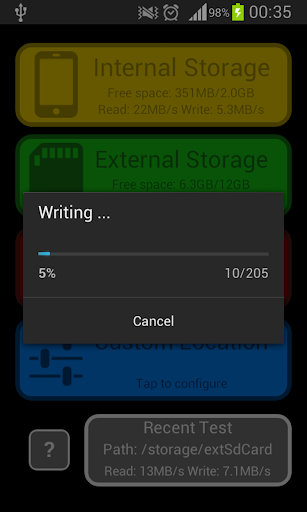
Just run app and tap one of default tests and wait for result.
If you want to use custom path or different data's size tap the "Custom Location".
More information is available after tapping "?" button.
Ads:
May be easily ignored if you don't want to support this app.
They appear on exit.
Privacy policy added





9Apps 4.9











