
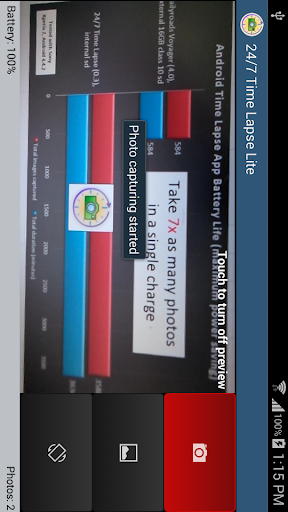
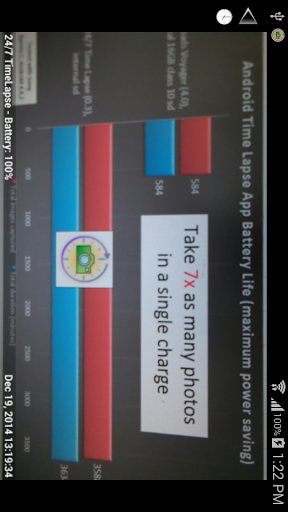
24/7 Time Lapse is designed with ultra low power consumption in mind to allow you to make Time-Lapse video over days, weeks and months using your Android phone or tablet. This application is designed to allow you to capture/run at least four times as many photos/long compared to the alternative applications.
Our internal test shows that this app was able to capture photos for over 50hrs in a single charge using Sony Xperia Z, Android 4.4 using our application's default settings while both WIFI and GSM radio are active. Our best competitor's application was only able to last at most 6 hr under the same conditions (http://tinyurl.com/p99ttzy).
With our amazing battery life, it is now possible for you use your everyday phone as your wearable life blogging camera, capturing every moment in your life or even capture information from your weather station.
Features
- Auto stop capture when battery is low
- Capture photos continuously by running in background mode
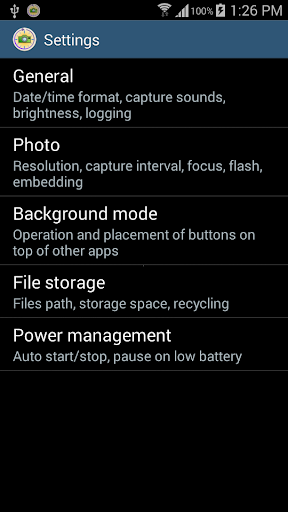
- Customizable storage space & location & orientation
- Automatically recycle sdcard space when full, recycling can be disabled via option
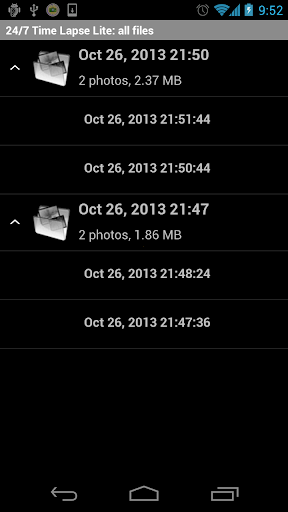
- Built-in photo browser
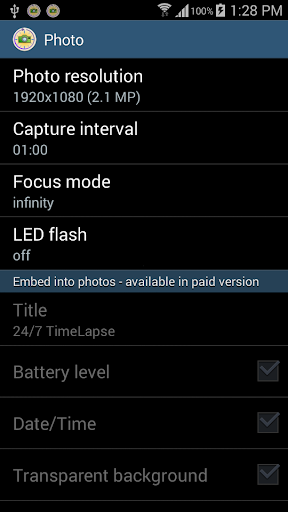
- Adjustable camera focus mode and LED flash
- Adjustable shutter sound & screen brightness
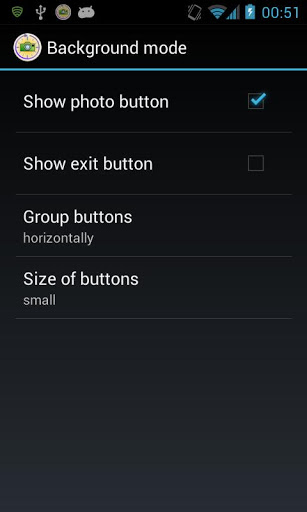
- Movable overlay button on top of any application to start/stop photo capture
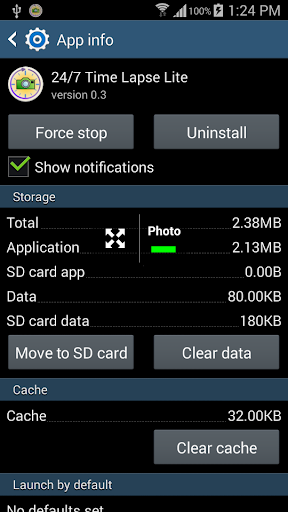
- Can be moved to SDcard after installation
- LCD screen will be keep on if you leave this app running in the foreground. The LCD screen will turn off according to your device's settings when in background mode.
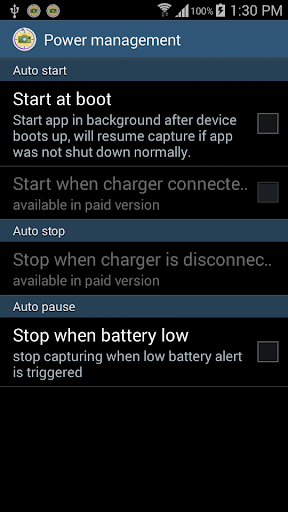
- Can be configured to start at boot to resume capture if forcibly closed while capturing photos
To maximize your battery life when using this app, before you start photo capture, make sure you turn on airplane mode, check both WIFI and GPS are turned off. After photo capture is started, press Home button to put the app into background mode and then turn off the device's LCD screen as well.
To assemble the photos into a time-lapse video, you can use Ezvid (http://www.ezvid.com/) or MakeAVI (http://makeavi.sourceforge.net/) or Picasa 3 (http://picasa.google.com/) for Windows Computer; Time Lapse Assembler (http://www.dayofthenewdan.com/projects/time-lapse-assembler-1) for Mac OS X. More details can be found at our FAQ page - http://247timelapse.com/faq
Free version limitations:
- only capture photos up to 2MP
- application will stop after 20mins if charger is connected (this is only to allow you to test the application to make sure it works when charger is connected.)
- All exif image information including date taken, camera maker/model, exposure time, flash mode, etc are not recorded in the saved photo.
- photos recorded carries imprinted info
Device limitations:
- Do NOT use another camera app when you are capturing with 247timelapse, otheriwse photo won't be taken
- Please upgrade or install version 0.3 if your device is unable to take photo when screen is off.
- To keep the screen on, simply leave 247timelapse app running in the foreground. To save power when screen is on, you could configure the screen brightness to minimum inside settings.
Known bug
- If you turn off the LCD when the app is recording in the foreground. Recording will stop.
We appreciate your feedback. Please feel free to send us your feedback or problems you encountered in our support forum - http://247timelapse.idea.informer.com/
If you have problems using this app on your device, you need to help us by posting it on our feedback forum, so that we can respond to you and also allow you to provide follow up information for us to diagnose as well as resolve the problem. Simply posting negative feedback here won't help.
If you would like to see us update this application with more and better features ASAP, please support us by purchasing the paid version and also spread the words to all your friends.
We are committed to always offer you a free version of this app with more than sufficient features for casual time-lapse photographers, except the professionals.
Version 0.3.3
- Added privacy policy link
Version 0.3.2
- Fixed Android 6.0 unable to capture photo
- Added option to disable (delete) nomedia file

![STARSCAPES [4K] Stunning AstroLapse Ambient Film with Space Music for Deep Relaxation & Sleep screenshot 1](https://i.ytimg.com/vi/CrgYEbIQkac/mqdefault.jpg)



![[1 Hour] Piano Music & Night Cities Around the World 2023 in 4K Ultra HD | Background Video 4K screenshot 5](https://i.ytimg.com/vi/nDjjfaAN2hQ/mqdefault.jpg)



9Apps 4.9








