
There you can get the android apps APK installed on your device. 20,000+ users downloaded Screen Mirroring latest version on 9Apps for free every week! This will give an informative for the other crazy players. This hot app was released on 2019-09-20. To read more information, you can go to 9Apps.
Screen Mirroring For Android To TV
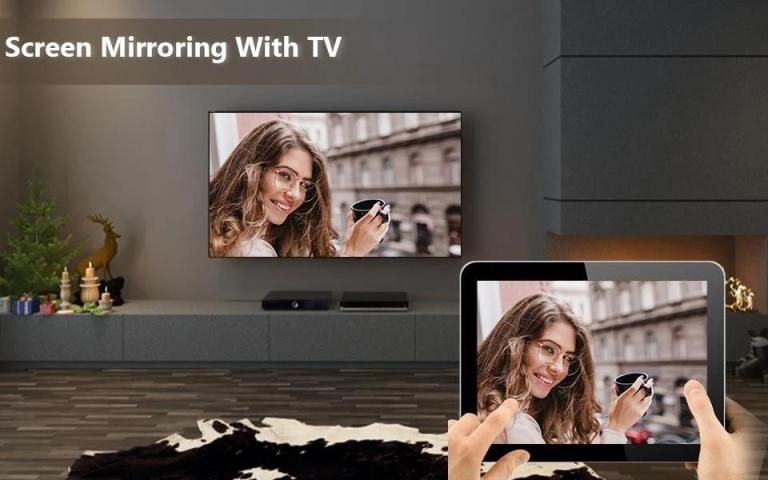
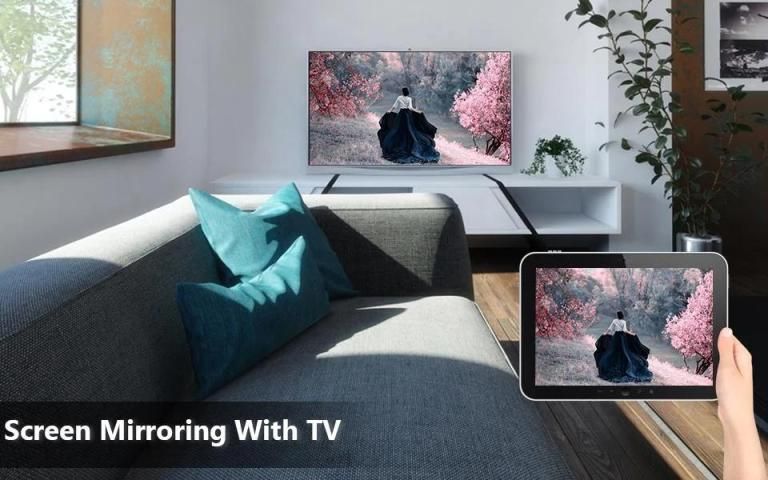
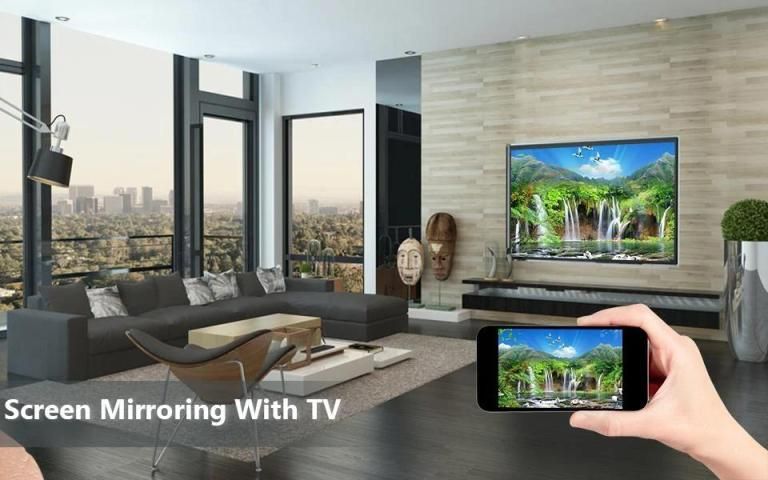
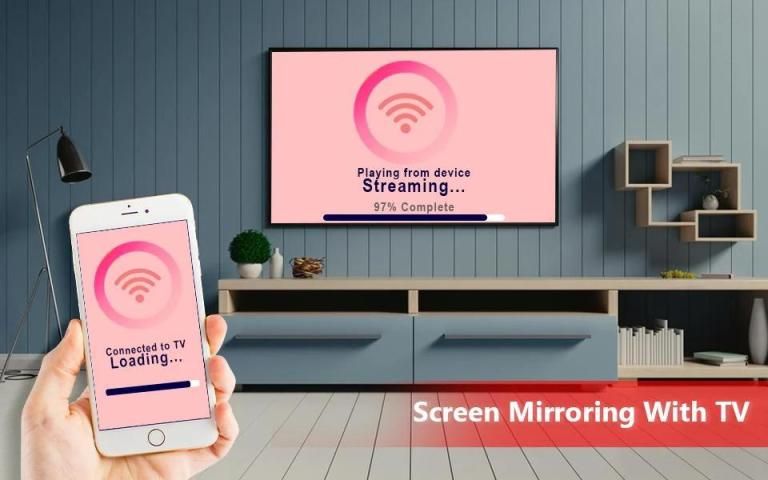
App will assist you to scan and mirror your android phone or tab's screen on smart TV/Display or Wireless dongles or adapters. Screen Mirroring Able to play videos, music, photos, etc in my Smartphone with any devices like smartphone, smart TV, laptop, tablet, etc at anywhere.
Watching videos on your TV or tablet is great. Streaming those movies for your big screen TV? Better yet. This’s the best Mirror Screen to TV app to view your phone through your TV. If you are searching for how to Connect Phone to TV without HDMI then this is the best Screen Mirroring.
This Screen Mirroring For Android To TV application provides an easy shortcut and widget to use the screen share external display screen casting feature included in Android 4.2 and above! With this
Screen Stream Mirroring
app, you will more conveniently be able to mirror your screen or use the cast feature from supported applications.
Screen Mirroring is an application designed for power users that frequently connect their Android devices to external displays. Screen Mirroring For Android To TV works with your existing screen mirroring solution to give you the best experience possible. With Second Screen, you can change your device's resolution and density to fit your TV or monitor, enable always-on desktop mode in Chrome, and even turn your device's backlight off, among several other features.
Feature:-
• Easily change resolution and density - take full advantage of the resolution of your external display, and show the Android tablet interface if you're using a phone.
• Simple profile-based interface - easy to enable/disable different profiles for different types of displays.
• Automatically enable Bluetooth and Wi-Fi - quickly connect a keyboard, mouse, and/or game controller.
• Lock screen orientation to landscape.
• Show desktop sites in Chrome by default - browse the real Web, on your TV!
• Full integration with Tasker.
• Disable device backlight and/or vibration - save battery while your device is connected.
• Load profiles automatically when a display is connected in Screen Mirroring For Android To TV.
How to use:
1) Your Smart TV/Wifi Display Dongles should support MiraCast enabled Wireless Display technology.
2) The TV should be connected to wifi network same as your phone.
3) The Phone android version must be android 4.2 and above.
4) Select the Mobile to TV option from slide menu.
5) Press Start mirroring button and select your TV or dongle from the list.
Screen Mirroring For Android
required android backlight Bluetooth resolution to disable & enable dpi chromes rooms. Connect & display mouse density & over scan external mouse without vibration.
Screen Mirroring For Android To TV and screen mirroring assistant for screen casting & display smartphone mobile screen, widget & shortcut. All share mirror screen casting for smart TV like Samsung, LG, Panasonic, Toshiba & roku without Wifi just by using dongles or adaptors. Enjoy Screen Mirroring app & TV cast and all local cast series.
Screen Mirroring For TV
does not need extra dongle or cable. Click the Start, the Mobile hotspot will be operating automatically. And after hotspot will be operating, connect to AP from other devices.
Screen Mirroring For Android To TV can only play contents but send screen as is such as HDMI, MHL, MiraCast and Chrome cast. It has been tested and found works on most of android mobiles.
Mirror Screen To TV
will assist you to scan and mirror your android phone or tab's screen on smart TV/Display or Wireless dongles or adapters.
Thanking to you For Using This app, give us your feedback, rating and Consider for Future updates.
Thank you...
Pencerminan Layar Untuk Android Ke TV
Aplikasi akan membantu Anda memindai dan mencerminkan ponsel Android Anda atau layar tab di smart TV / Display atau dongle atau adapter nirkabel. Mirroring Layar Mampu memutar video, musik, foto, dll di Smartphone saya dengan perangkat apa pun seperti smartphone, smart TV, laptop, tablet, dll di mana saja.
Menonton video di TV atau tablet Anda sangat bagus. Streaming film-film itu untuk TV layar lebar Anda? Lebih baik. Ini aplikasi Cermin Layar ke TV terbaik untuk melihat telepon Anda melalui TV Anda. Jika Anda mencari cara Menghubungkan Ponsel ke TV tanpa HDMI maka ini adalah Screen Mirroring terbaik.
Aplikasi Mirroring Layar Untuk Android Ke TV ini menyediakan pintasan dan widget yang mudah untuk menggunakan berbagi layar dengan fitur casting layar eksternal yang termasuk dalam Android 4.2 dan lebih tinggi! Dengan aplikasi
Screen Stream Mirroring
ini, Anda akan lebih mudah untuk mencerminkan layar Anda atau menggunakan fitur pemeran dari aplikasi yang didukung.
Screen Mirroring adalah aplikasi yang dirancang untuk pengguna listrik yang sering menghubungkan perangkat Android mereka ke layar eksternal. Screen Mirroring Untuk Android To TV bekerja dengan solusi mirroring layar yang ada untuk memberi Anda pengalaman terbaik. Dengan Layar Kedua, Anda dapat mengubah resolusi dan kepadatan perangkat agar sesuai dengan TV atau monitor Anda, mengaktifkan mode desktop yang selalu aktif di Chrome, dan bahkan mematikan lampu latar perangkat Anda, di antara beberapa fitur lainnya.
Fitur: -
• Ubah resolusi dan kepadatan dengan mudah - manfaatkan sepenuhnya resolusi layar eksternal Anda, dan tunjukkan antarmuka tablet Android jika Anda menggunakan ponsel.
• Antarmuka berbasis profil sederhana - mudah untuk mengaktifkan / menonaktifkan profil yang berbeda untuk berbagai jenis tampilan.
• Secara otomatis mengaktifkan Bluetooth dan Wi-Fi - dengan cepat sambungkan keyboard, mouse, dan / atau pengontrol game.
• Kunci orientasi layar ke lanskap.
• Tampilkan situs desktop di Chrome secara default - jelajahi Web yang sebenarnya, di TV Anda!
• Integrasi penuh dengan Tasker.
• Nonaktifkan lampu latar perangkat dan / atau getaran - hemat baterai saat perangkat Anda terhubung.
• Muat profil secara otomatis ketika layar terhubung di Screen Mirroring For Android To TV.
Cara Penggunaan:
1) Dongle Layar Smart TV / Wifi Anda harus mendukung teknologi Wireless Display yang diaktifkan MiraCast.
2) TV harus terhubung ke jaringan wifi yang sama dengan telepon Anda.
3) Versi ponsel Android harus android 4.2 dan di atasnya.
4) Pilih opsi Seluler ke TV dari menu slide.
5) Tekan tombol Mulai mirroring dan pilih TV atau dongle Anda dari daftar.
Pencerminan Layar Untuk Android
diperlukan resolusi Bluetooth backlight android untuk menonaktifkan & mengaktifkan kamar dpi chromes. Sambungkan & tampilkan kepadatan mouse & pindailah mouse eksternal tanpa getaran.
Pencerminan Layar Untuk Android Ke TV dan asisten pencerminan layar untuk casting layar & tampilan layar ponsel pintar, widget & pintasan. Semua berbagi layar cermin untuk TV pintar seperti Samsung, LG, Panasonic, Toshiba & roku tanpa Wifi hanya dengan menggunakan dongle atau adapter. Nikmati aplikasi Screen Mirroring & pemeran TV dan semua seri pemeran lokal.
Pencerminan Layar Untuk TV
tidak perlu dongle atau kabel tambahan. Klik Mulai, hotspot Seluler akan beroperasi secara otomatis. Dan setelah hotspot akan beroperasi, sambungkan ke AP dari perangkat lain.
Mirroring Layar Untuk Android Ke TV hanya dapat memutar konten tetapi mengirim layar seperti HDMI, MHL, MiraCast, dan Chrome cast. Ini telah diuji dan ditemukan bekerja pada sebagian besar ponsel Android.
Layar Cermin Ke TV
akan membantu Anda memindai dan mencerminkan layar ponsel atau layar android Anda di smart TV / Display atau dongle atau adapter nirkabel.
Berterima kasih kepada Anda Untuk Menggunakan Aplikasi ini, beri kami umpan balik, peringkat, dan Pertimbangan untuk pembaruan Masa Depan.
Terima kasih...




9Apps 4.9









