
Recently, we found a very popular application. 20,000+ users downloaded King Scanner latest version on 9Apps for free every week! This makes the app feel more like a popular merchandise, which is very positive in my opinion. This hot app was released on 2019-12-13. Read the following paragraph to see more information.
King Scanner is tiny scanner app (only ~10 MB download) to make your phone become a amazing scanner (or called by other names as CamScanner, Tiny Scanner, PDF Scanner, etc...) to scan photos, PDFs, receipts, reports, or just about anything in everywhere. King Scanner uses best algorithms to detect documents edge, enhance texts, graphics, and easy to manage or share in PDF, JPEG formats.
★★★ App highlight
★ Mobile scanner
Turn your device to a scanner, scan everything as photos, reports, receipts,...
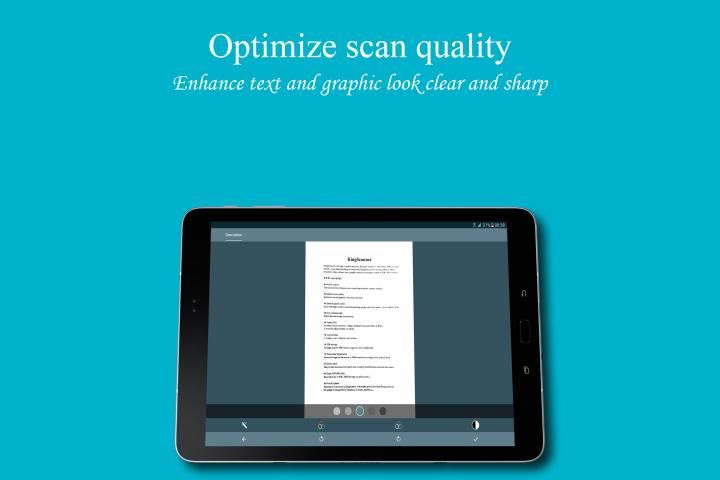
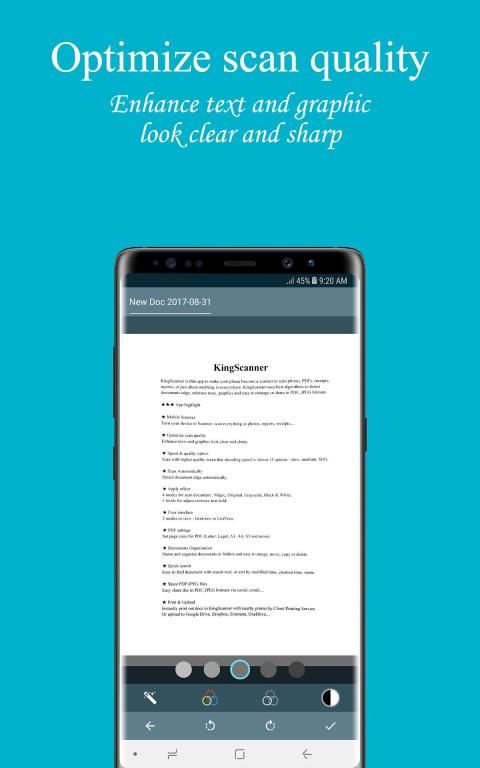
★ Optimize scan quality
Enhance texts and graphics look clear and sharp.
★ Speed & quality option
Scan with higher quality mean that decoding speed is slower (3 options : slow, medium, fast).
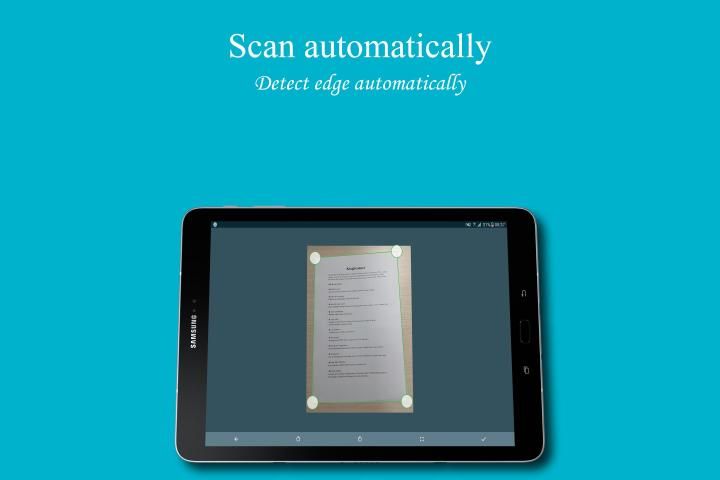
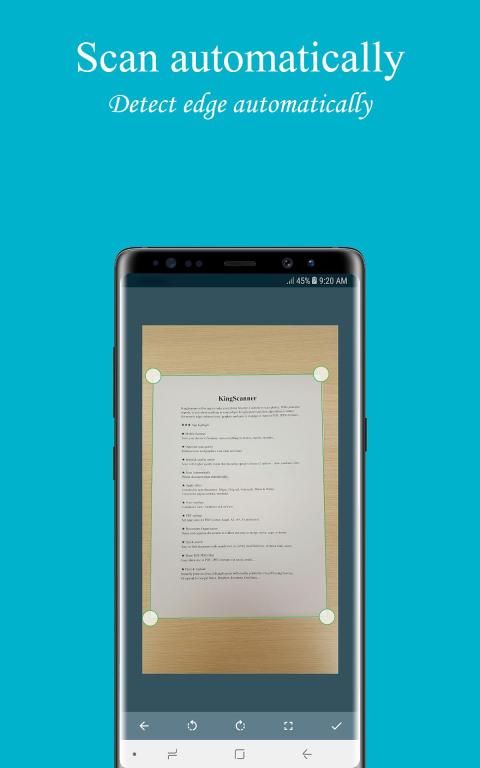
★ Scan Automatically
Detect document edge automatically.
★ Apply effect
4 modes for scan document : Magic, Original, Grayscale, Black & White.
5 levels for adjust contrast, text bold.
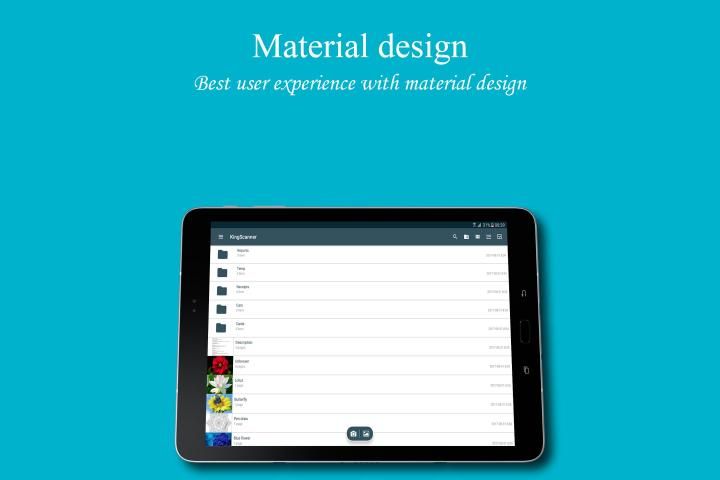
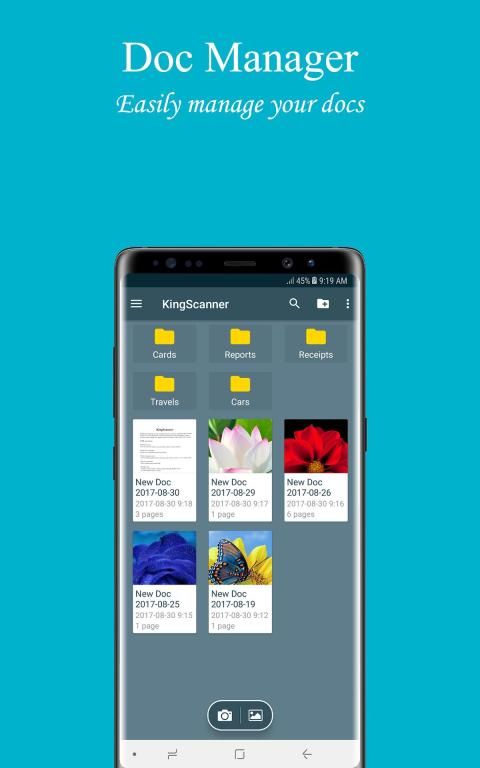
★ User interface
2 modes to view : GridView or ListView.
★ PDF settings
Set page sizes for PDF (Letter, Legal, A3, A4, A5 and more).
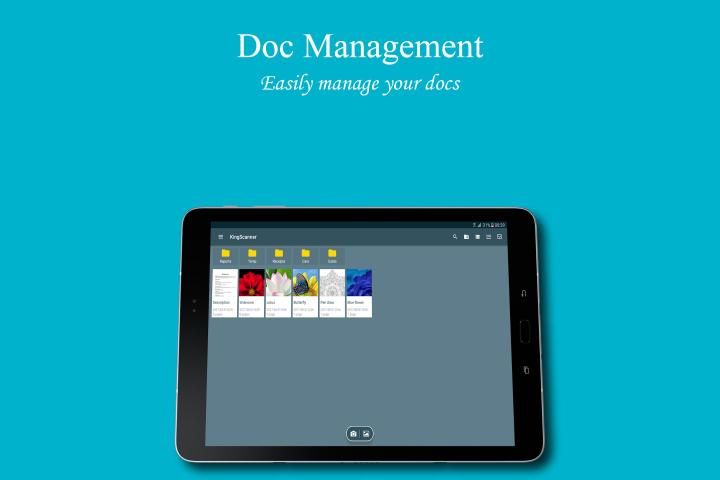
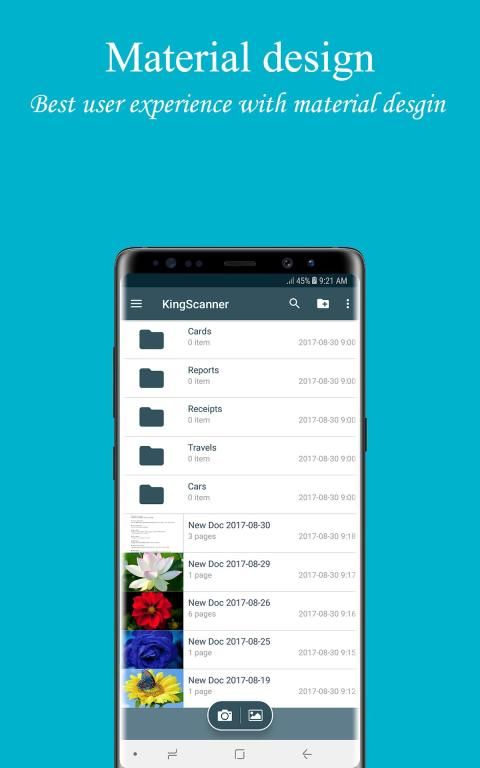
★ Documents Organization
Name and organize documents in folders and easy to merge, move, copy or delete.
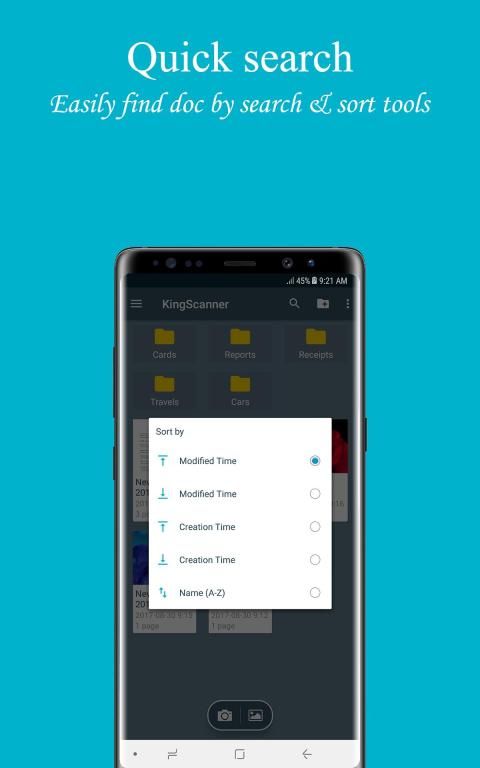
★ Quick search
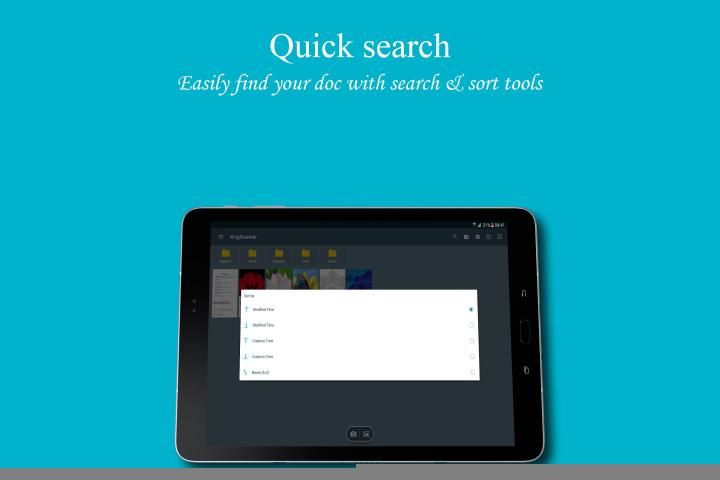
Easy to find document with search tool, or sort by modified time, creation time, name.
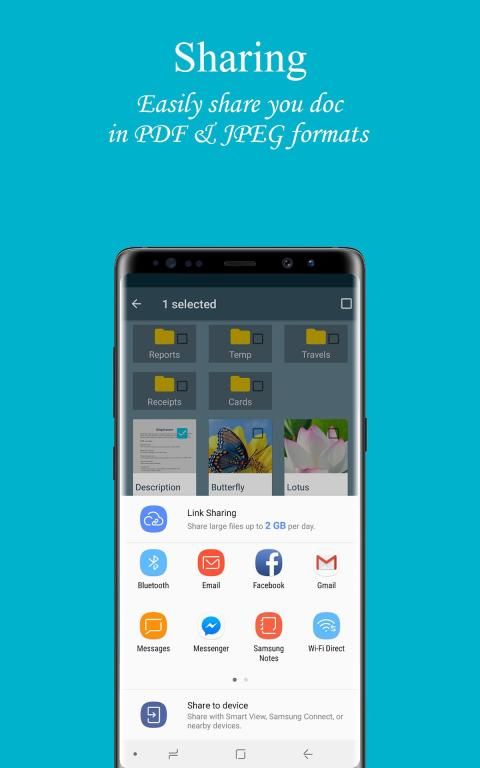
★ Share PDF/JPEG files
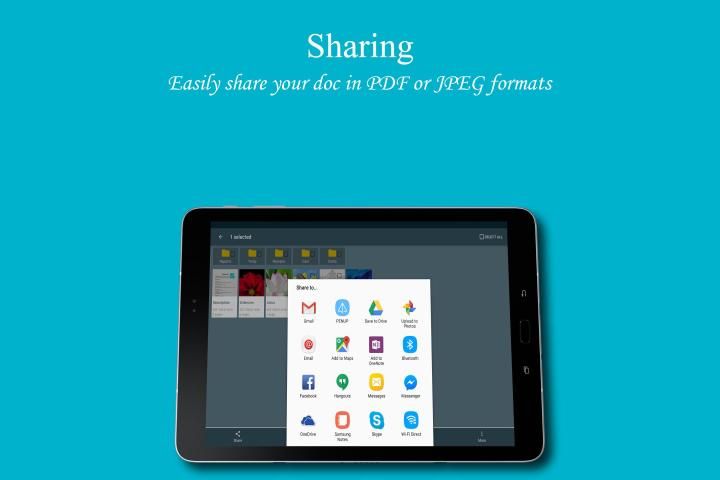
Easy share doc in PDF, JPEG formats via social, email,...
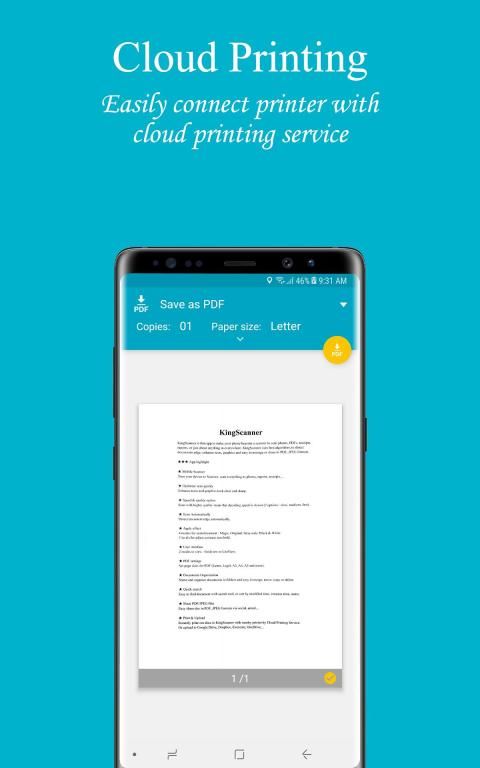
★ Print & Upload
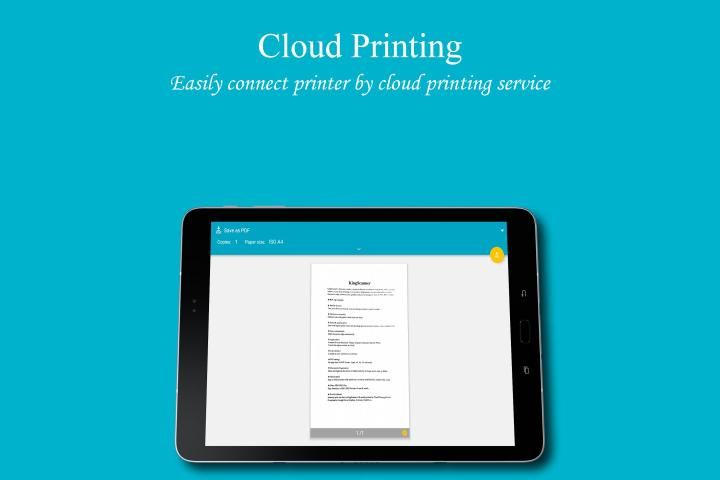
Instantly print out docs in King Scanner with nearby printer by Cloud Printing Service.
Or upload to Google Drive, Box, Dropbox, Evernote,...
★★★ How to use
1. Select document you need from Gallery or capture with Camera.
2. Select a part of document or full. Rotate document to correct direction.
3. Apply effect with 4 modes : Magic, Original, Grayscale, Black & White.
4. Press done! and you can manage your documents easy for now!
We always appreciate your feedback. Contact us at kfn.developer@gmail.com.
Raja Scanner adalah scanner kecil aplikasi (hanya ~ 10 MB download) untuk membuat ponsel Anda menjadi scanner biasa (atau disebut dengan nama lain seperti CamScanner, Scanner kecil, PDF Scanner, dll ...) untuk memindai foto, PDF, kuitansi, laporan , atau apa saja di mana-mana. Raja Scanner menggunakan algoritma terbaik untuk mendeteksi dokumen tepi, meningkatkan teks, grafis, dan mudah untuk mengelola atau berbagi dalam PDF, format JPEG.
★★★ App sorot
★ scanner Ponsel
Mengubah perangkat Anda ke scanner, scan semua foto, laporan, tanda terima, ...
★ Optimalkan kualitas pemindaian
Meningkatkan teks dan grafis terlihat jernih dan tajam.
★ Kecepatan & kualitas pilihan
Scan dengan kualitas yang lebih tinggi berarti bahwa kecepatan decoding lebih lambat (3 pilihan: lambat, sedang, cepat).
★ Pindai otomatis
Mendeteksi tepi dokumen secara otomatis.
★ Terapkan efek
4 mode untuk dokumen scan: Sihir, Asli, Grayscale, Black & White.
5 tingkat untuk menyesuaikan kontras, teks tebal.
★ User interface
2 mode untuk melihat: GridView atau ListView.
★ pengaturan PDF
ukuran set halaman untuk PDF (Letter, Legal, A3, A4, A5 dan lebih).
★ Organisasi Dokumen
Nama dan mengatur dokumen dalam folder dan mudah untuk menggabungkan, memindahkan, menyalin atau menghapus.
★ Pencarian cepat
Mudah untuk menemukan data dengan alat pencarian, atau waktu urutkan berdasarkan dimodifikasi, waktu pembuatan, nama.
★ Share PDF file / JPEG
doc mudah berbagi dalam PDF, format JPEG melalui sosial, email, ...
★ Print & Upload
Langsung mencetak dokumen di King Scanner dengan dekatnya printer oleh Cloud Printing Service.
Atau upload ke Google Drive, Box, Dropbox, Evernote, ...
★★★ Cara menggunakan
1. Pilih dokumen yang Anda butuhkan dari Galeri atau menangkap dengan kamera.
2. Pilih bagian dari dokumen atau penuh. Putar dokumen ke arah yang benar.
3. Terapkan efek dengan 4 mode: Sihir, Asli, Grayscale, Black & White.
4. Tekan dilakukan! dan Anda dapat mengelola dokumen Anda mudah untuk saat ini!
Kami selalu menghargai umpan balik Anda. Hubungi kami di kfn.developer@gmail.com.
Fix minor bugs





9Apps 4.9











