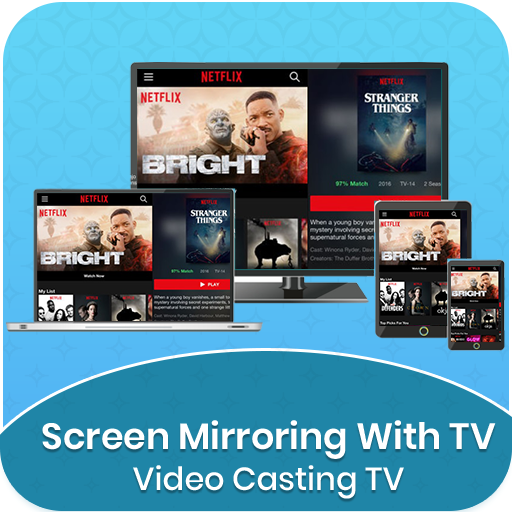
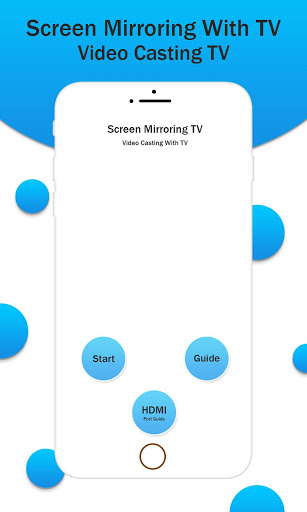
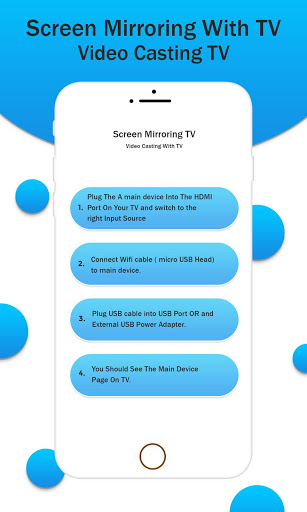
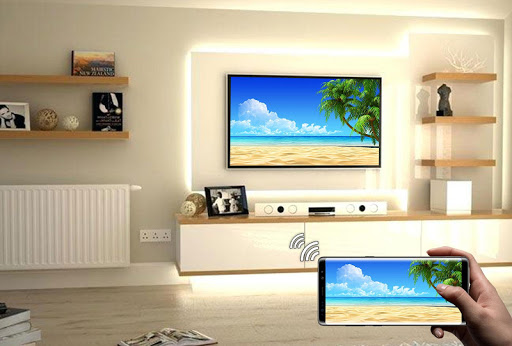
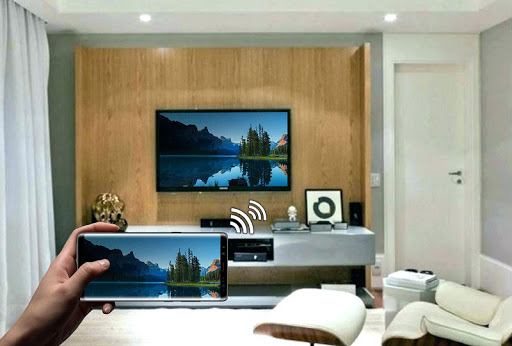
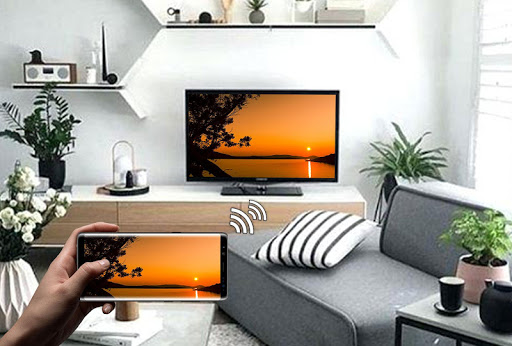
Screen Mirroring with TV App will assist you to scan and mirror your android phone or tab's screen on smart TV/Display (mira cast enabled) or Wireless dongles or adapters. Screen Mirroring Able to play videos, music, photos, etc in my Smartphone with any devices (smartphone, smartTV, laptop, tablet, etc) at anywhere.
This App will assist you to scan and mirror your android phone or tab's screen on smart TV/Display or Wireless dongles or adapters.
Screen mirroring assistant app helps to open window in smart TV screen from your phone. Share second screen throw wireless and wifi and connect phone dongles with Samsung smart TV mirroring assistant.
With the all-new Smart View app, you can enjoy your personalized Smart Hub experience on your smartphone or tablet with all the benefits of touch. Browse across your favorite live TV and streaming apps more. Discover and launch your movies, shows, sports, music or games directly from your phone without interrupting your viewing experience on the TV.
Mirror Screen can only play contents but send screen as is such as HDMI, MHL, Miracast and Chromecast. It has been tested and found works on most of android mobiles.
Please follow below steps to mirror your mobile screen to smart TV.
1) Your TV should support Wireless Display or any sort of Display Dongles.
2) The TV must be connected to wifi network same as your phone.
3) The Phone version must be android 4.2 and above.
4) Download and run Screen Mirroring App.
If you have enjoyed your experience with this Screen Mirroring with TV, rate us on play store. Do not forget to share this share screen with tv among all your friends who enjoy casting as much as you do.
o Share/mirror mobile screen to Smart TV or WIFI Display dongle connected to TV,
Following steps needs to performed:
1. Check your TV weather it supports WIFI Display / Miracast.
2. Make sure TV is connected to the same WIFI network as your mobile device. You can't connect it with wired connection (LAN).
3. Make sure your Android device version is 4.2 or higher.
4. Make sure your device inbuilt hardware of Miracast.
5. Download and run Screen Mirroring App.
How to use?
Firstly, App open then click on wi-fi display you will go on cast screen directly.
Enable the TV Miracast.
Tap on start WIFI of the application.
Miracast application should be enabled.
Both will connect automatically to each other than you can see same mobile screen show on Smart TV.
Ease of Use: The app is fast event in 3g-4g-6g network and easy to browse.
Miracast gives you –
- Truly amazing graphics
- Amazing animations
- Carefully crafted option more apps
Please follow below steps to mirror your mobile screen to smart TV.
Mirror Screen sharing with web browsers screen Mirroring to play games. Screen drawing while mirroring. Mirroring, screen sharing with media players. to make powerful presentation for work, education, or gaming screen cast is used.
If you have enjoyed your experience with this screen mirroring for Samsung smart tv, rate us on play store. Do not forget to share this screen mirroring for Samsung smart tv among all your friends who enjoy casting as much as you do.
If you have any suggestions for us to improve this screen mirroring for Samsung smart tv better, please write to us.
Thank You…





9Apps 4.9