

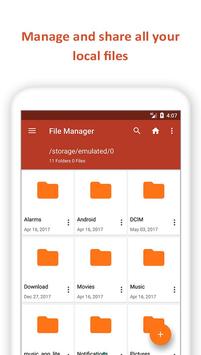
File Manager helps you manage all your files to organize!
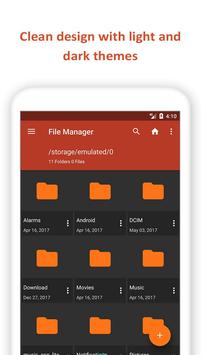
With stylish interface, File Manager lets you to handle any kind of file or folder whether they are stored in your device or microSD card. With File Manager you can easily copy, move, rename, delete, find, share, explore, compress, and otherwise organize all of your files on any of your storages. It also lets you explore and access your files by category.
Key features of File Explorer
Experience and enjoy these features that Manager has to offer:
Your light and elegant file explorer
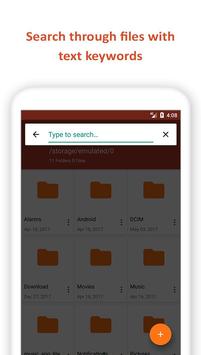
Search, access, move, save, share or delete files from internal storage to microSD card or from microSD card to internal storage.
Access files in LAN and SMB
Share files within your LAN (local area network) and SMB (Samba) network.
Delightful multimedia streaming File Explorer
Stream multimedia files such as music or videos or open documents, pictures, or photos.
Extract Rar or Zip
Extracting Rar or Zip folders from File Manager are easy now.
Easy file browsing
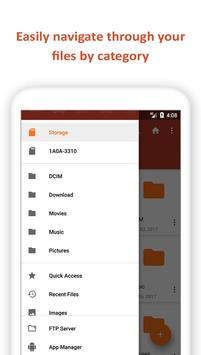
Search files easily by category navigation menu of File Manager: images, videos, music, applications, downloaded, and recent files.
Disk tools
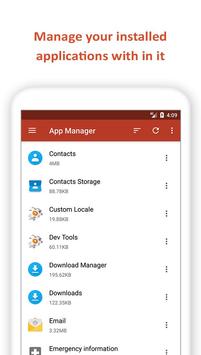
Storage analyzer for each file and app manager to open, backup, or directly uninstall any app and let you achieve your space efficiently.
Multiple themes File Explorer
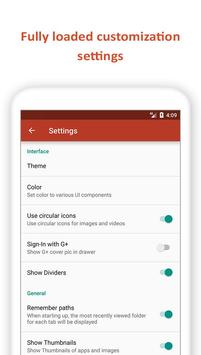
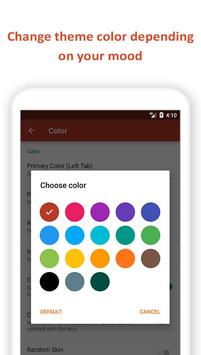
Multiple themes let your set your own style
Multi language File Manager
File Explorer supports 29 languages including: English, German, Indonesian, Japanese, Hungarian, Portuguese (Portugal), Serbian, Polish, French, Turkish, Spanish, Vietnamese, Portuguese (Brazil), Dutch, Chinese (China), Romanian, Russian, Ukrainian, Italian, Greek, Basque, Korean, Hebrew, Chinese (Hong Kong), Chinese(Taiwan), Arabic





9Apps 4.9










