
If you are planning to make Arduino project which you want to control with Android device via Bluetooth, then this application may help lot!
Feature:
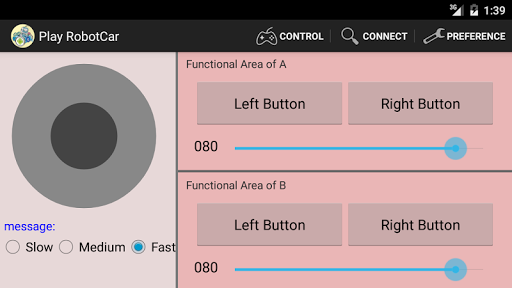
1.Arduino code use Standard Firmata Library.
How to program Firmata code to Arduino Board.
http://www.instructables.com/id/Arduino-Installing-Standard-Firmata/
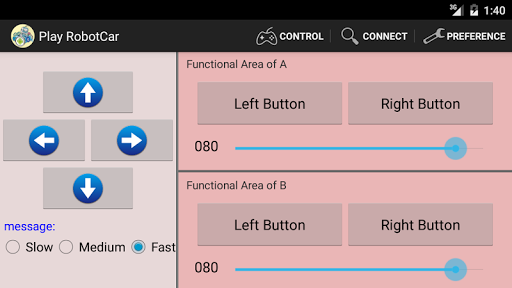
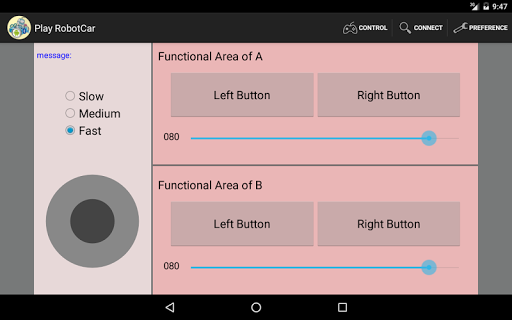
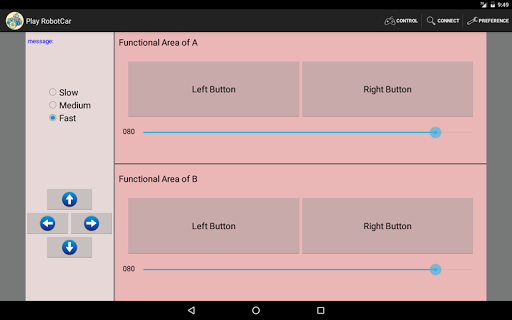
2.You can use the arrow buttons or the joystick to control Robot Car.
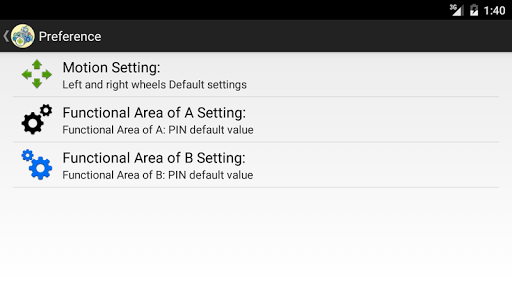
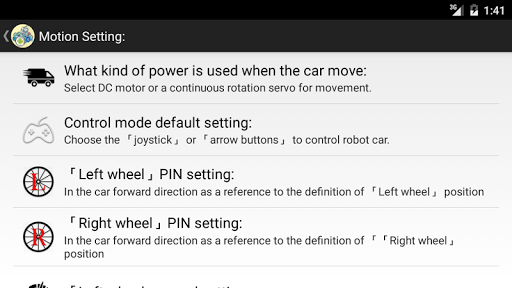
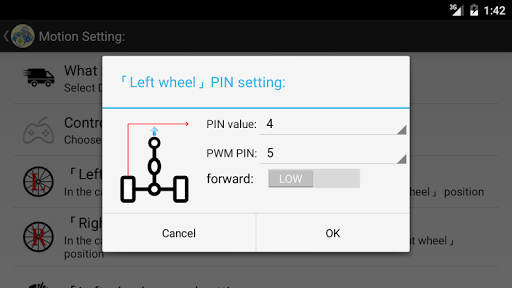
3.Through preferences, you can:
a.
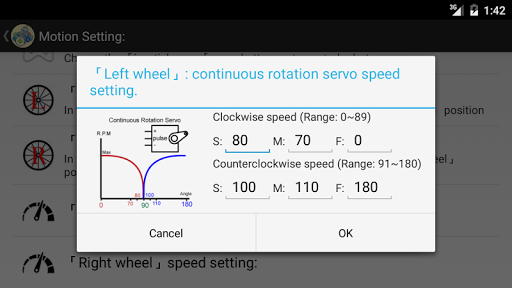
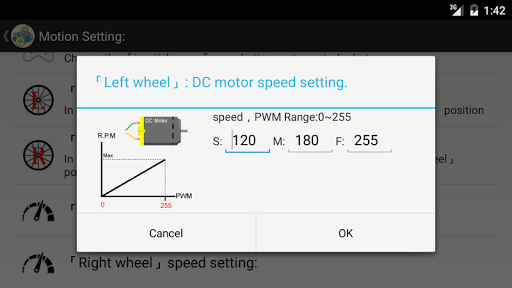
choose three different modes (continuous rotation servos, angle
servo
or DC servo motors).
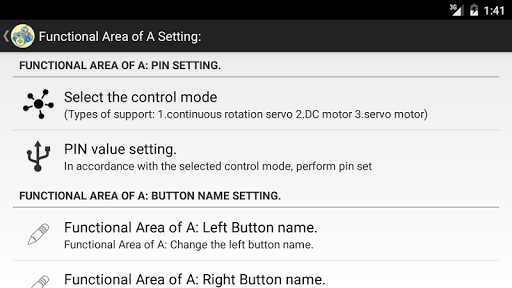
b. you can set the pin number.
c. you can set
button names
Hardware Device:
1.Arduino Board or compatible Board.
2.Bluetooth Module. ex:hc-05 or hc-06, Bluetooth Module Tx to PIN 0,Rx to PIN 1.
3.Continuous rotation servos, angle servo , DC servo motors.
Guidelines for app:
1.Open "Play Robot Car", click Connect Device button to pair your Android device with Bluetooth Module.
2.Click Preference in option menu to set the pin number and button names.

![Mo-Chan [EP1] First Met EMO 🥰 Make Mini Arduino Robot #emopet #robot #arduino #arduinoproject screenshot 1](https://i.ytimg.com/vi/wnBy2tScxsg/mqdefault.jpg)



9Apps 4.9









