
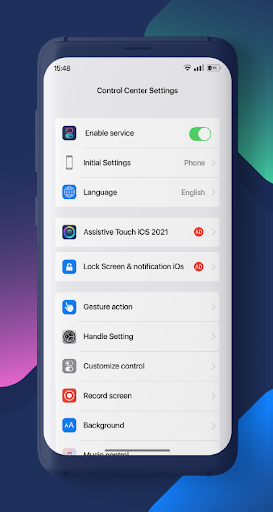
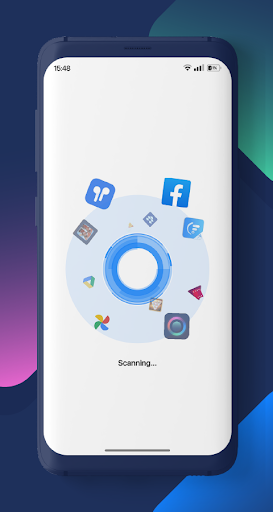
Are you using android phone? Are you boring control center native interface?
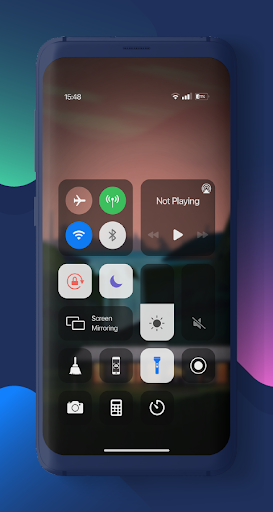
Control Center will bring you experience Control Center, iPanel style iOS setting.
Control Center can help you save time in changing Wifi settings, GPS, brightness and more. All you need to do is click on the icon and get quick access to your settings
Features of Control Center
• Control Center
• Capture Screenshot
• Screen Recorder
• Ram booster
• Airplane Mode
• Wi-Fi
• Do Not Disturb
• Portrait Orientation Lock
• Adjust brightness
• Flashlight
• Alarms and Timer
• Camera
• Control audio
How to recording screen:
1. Click the icon screen recorder on the bottom of the screen of the Control Center.
2. Countdown timer display with 3, 2, 1. On that screen, choose to turn on/off the sound.
3. Enjoy your screen recorder.
If your device is not supported, please leave your comment, We will work on it.



9Apps 4.9