
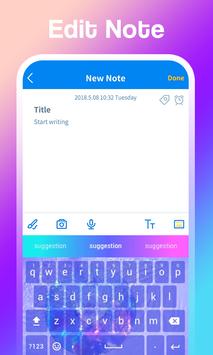
Easy-to-use notepad, you can use it to quickly take notes, record meeting minutes, write a diary, record your mood, or use it as a personal ledger, shopping list. Once you start using it, you will need it, a good helper for life and work.
Features:
📔Offline notebook, all memo notes can be recorded without network connection. In a networked environment, you can check the spelling of your notes and diary text to ensure that the words are spelled correctly.
🔐 Password notebook. You can protect all your notes with a password. It also supports split note locking. You only need to encrypt some special notes without locking the entire application.
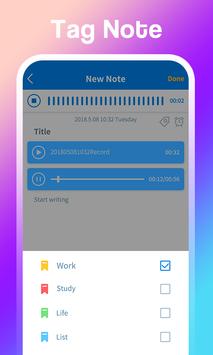
🔊Fast speed voice input record, a complete record of each of your voices, accurate and intelligent text recognition, a good helper for shorthand.
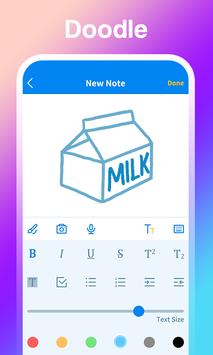
🎨Painting notepad. Supports simple drawing functions, with a variety of commonly used colors, hand-drawn drawings you want to record, or engineering drawings, application styles, UI design schemes, etc.
🌈 Colorful labels and themes. Different color labels are used to distinguish the importance of your notes, or to distinguish the type by theme, for example, blue is a shopping list, red credit card bills, yellow is a recipe, and so on. Later you can choose the theme you are most accustomed to when writing notes.
⏰Reminder reminders or to-do list. Memo reminders can be reminded at various time periods, and repeated reminders are made daily, monthly or yearly.
🤞 Adjust the text font color of notes or diary. Control the text size used when writing notes.
👐 Support both landscape and portrait modes. Android phones can use portrait mode, and Android tablets can use landscape mode.
If you like our app, please give us a five-star rating.



9Apps 4.9














