
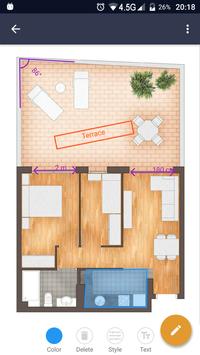
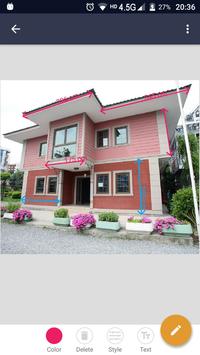
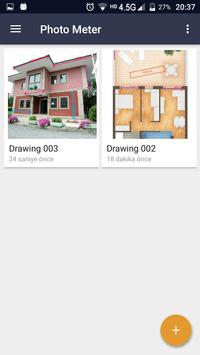
Photo Meter allows you to make some drawings on any photos.
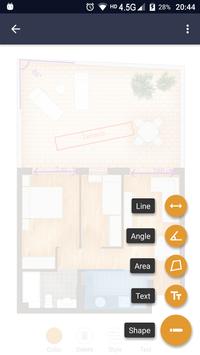
You can draw lines, angles and regions or write texts on top, by making simple movements with fingers on a selected picture.
After all your work, either save your work or share it with someone else.
★ ★ ★ ★ ★
Usage areas:
Architectural design - When you describe the plan in your mind to someone else,
Home decoration - When designing your living space in your imagination,
Construction works - Foundation of building, installation of windows and doors, painting walls, placing objects in the room.
Daily life.
Are you a contractor?
an engineering student?
an architect?
a designer?
a home seller?
Do not pay for other apps and devices, this app is completely free.
If you have to make drawings on an image, this application will help you.
★ ★ ★ ★ ★
What does 'Photo Meter - Measurement' do?
• Photo Meter allows you to draw various shapes on your picture.
• Draw lines, angles and areas with your finger.
How to use Photo Meter?
Step 1. Take a picture using camera or select from gallery.
Step 2. Select drawing item and draw shapes on the picture by sliding fingers.
Step 3. Save picture to the gallery or share with someone.
★ ★ ★ ★ ★
Enjoy the photo / imagemeter app!
Feel free to contact us in any issue. Thanks.
Support e-mail: protools.tr@gmail.com
Developer: Kemal Duran



9Apps 4.9















