
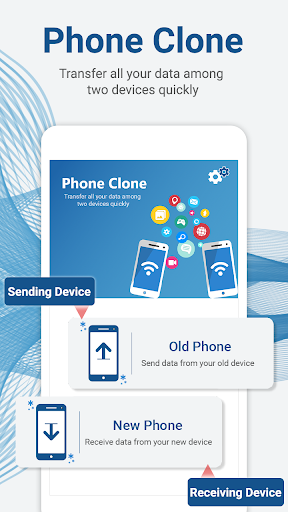
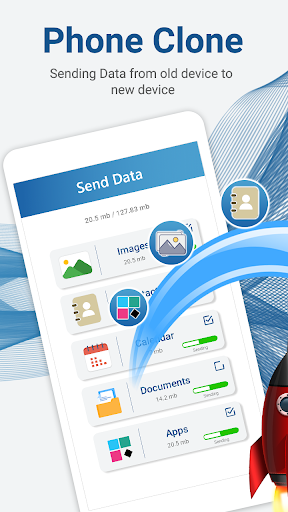
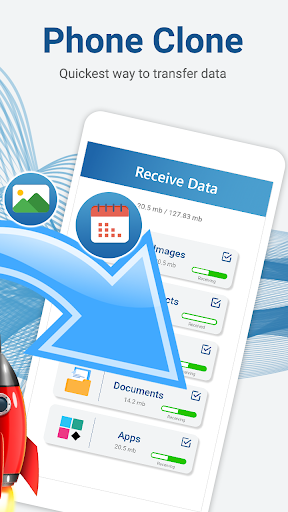
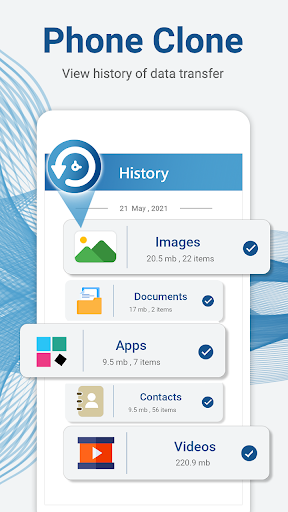
Transfer all the data like pictures, music, videos, documents, contacts, calendar data and others by phone clone the phone cloning application which uses latest networking techniques to transfer your complete data with high speed and securely.
Key features:
Complete data transfer Reliability: The switch phone app freely transfers all data without any loss.
Upto 15 mbps Speed: Share data via clone phone in no time with speeds of upto 15mbps. Its very Hi-speed data cloning with fast phone transfer.
Complete data Clone: Copy complete android phone data from one old to new phone. With a clone phone app simply clone all your data from one phone to without any hassle.
Secure: Cloner app is with simple operations for full data transfer without any worry of security as it transfers directly without any intermediate device.
Smart Switch: Transfer simply each data from one device to another through this Smart switch app. So switching your phone isn’t problem anymore.
Selective data share: Fast data share app that is compatible with any type of mobile data transfer, provides option to send selective data. You can select files, folders, share photos, transfer videos, copy contacts and calendars and many for data transfer.
Fully automated: Mobile data sharing app which can automatically clone your data from old android to the same destination in a new phone.
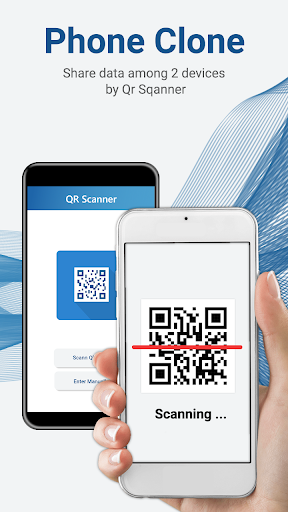
Ease of QR: Phone clone qr will provide you secure connection for data migration.
Complete transferring suit: Content transfer android app is a clone phone suite that provides you a complete solution to all data cloning problems.
[COMPLETE DATA TRANSFER AND BACKUP]
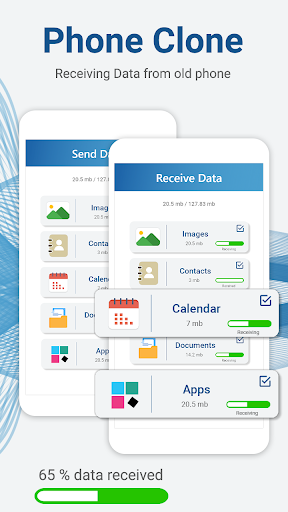
Phone clone app is a convenience to move data from an old phone to a new android smartphone device. With this data migration android app completely replicate all your data from one phone to other. Moving all data from one mobile to another mobile at a time was never been so easy but this phone clone data transfer app offers you complete and safe moving of old phone data or sharing media, documents files, and many more.
[QR SCAN TO CONNECT]
Smart file transfer app provides you the easy ways to connect your devices for data transfer. You can make a connection between both android devices with phone clone QR generator and reader option. The file-sharing app provides you a QR scanner with which you can scan QR codes and connect your both old and new phone for file share without any data cable or laptop. You don’t need any intermediate point, this phone cloning software works with point-to-point data transfer mechanism. This application makes its own connection. No need to worry about any data loss, use the phone clone transfer application and view your all-old phone data into the new phone.
[MANUAL CONNECT]
Most convenient way to make a connection between your phone for an effective all data transfer is through QR code scanning but in any case if that’s not possible this complete data transferring app provides manual option to make a connection for secure data transfer.
[CLONE YOUR PHONE]
Clone your phone app can clone all your contacts, photos, audios, videos, documents, and calendar data using the fast switch phone data app. Use phone clone to clone all your images from your old phone to new one. Likewise, for video cloning select the video transfer feature. Copy all data or clone-it all your data from new phone to old phone via data copier app. Just connect both devices over the same network and let the switch phone feature handle the rest of the process
Permissions:
Storage permission is required.
Calendar permission is required from the user.
Contact permission is needed from the user.
Camera permission is for QR code scanning.
Wi-Fi permission is needed to make a connection with the hotspot.
Location permissions are needed to generate the hotspot for data transfer.




9Apps 4.9













