
NOTE:
Only works on Samsung Note Edge devices currently.
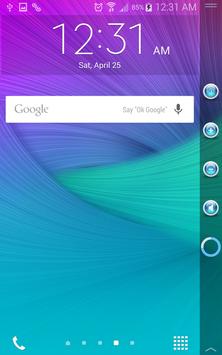
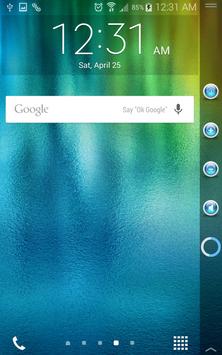
Volume Control for Samsung Edge Devices.
Allows user to choose various sound settings or control them all simultaneously.
Instant Max or Mute volume.
To access the application:
1) Open Edge Settings.
2) Select Manage Panels.
3) Select the KEdge Volume Control panel from the list.
4) Click back.
The KEdge Volume Control panel will now be accessible from your list of available panel controls.
Fixed App Icon

9Apps 4.9