

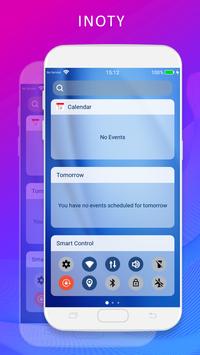
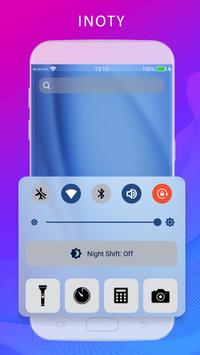
After installing OS11, you will see lot of big changes. There's customizable control center, notification center and then there's iNoti for iPhone 8.
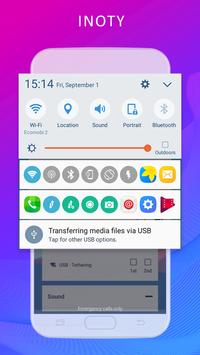
Notification center is now called Inoti. In fact, it's notification bar and control center, It works much in the same way with Notification Center iOS11 did.
here’s list of changes in iNoti OS 11
- Display new OS 11 inotify information
- Notifications can be swiped left to View or Clear
- Full swipe to the left clears the notification
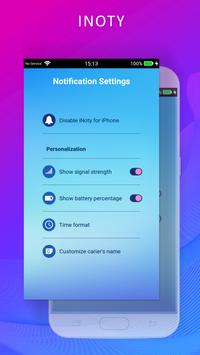
- Setting what notification you want to show
- Cusotmize inoty OS11 with many themes
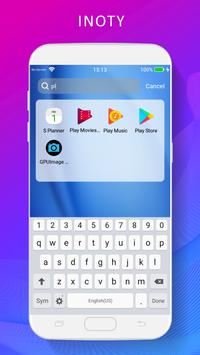
- Quick search apps from search bar with style IOS11
- Show missed call notification
- Blur background HD wallpapers
- Support set time 12h or 24h format
- More beautiful and smooth look like Phone 8
- Cleaner icon for cellular data in the OS11 status bar
- Faster animations on Phone 8 models
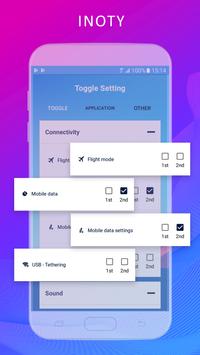
Toggle notification in status bar to let you switch WiFi, Bluetooth, Silent mode, Screen rotation...quickly ! You can also add more shortcut to your apps on the inotify bar easy.
• WiFi
• Bluetooth
• Sound / Vibration, Sound / Silent
• Brightness mode
• Wake lock
• Rotation
• Flight mode
• Mobile data
• GPS
• Data usage
• Battery
• Camera
• Lockscreen
• Shutdown & Reboot
More innovative & exciting features coming soon…
Enjoy !

9Apps 4.9















