

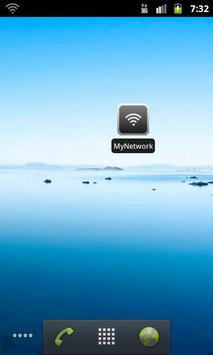
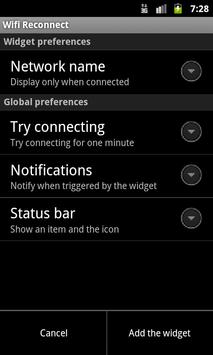
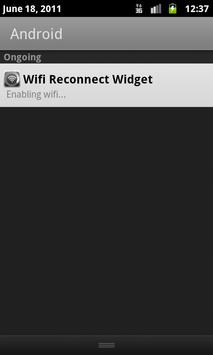
Add a widget to your home screen that allows you to reconnect to any previously configured Wi-Fi network. Optionally, you can also reconnect from the notification bar, so you don't even have to leave the application you're running (provided you have access to the notification bar from there).
This feature is useful when your device seems to ignore the nearby Wi-Fi network. Simply tap the widget or notification to reconnect to that network.
To add a widget, press Home->Menu->Add->Widgets->Wifi Reconnect
NOTE: This widget does not enable the connection to an unknown or hidden Wi-Fi network, nor the configuration of one. It's meant to be used to quickly reconnect to a lost Wi-Fi network.
Please report any bug or feature request by email. Also, if you would like to translate this app to your language, please get in touch: together, we can make it happen.
When UPDATING: You may have to re-add your widget, and/or reboot your device, for the widget to work correctly. Sorry for the inconvenience.
Version 1.3.2:
- Bugfix: No more blank entry in the notification bar.
- Bugfix: Notification entry now shows correctly on Android 2.2 and prior.
Version 1.3.1:
- Added Brazilian Portuguese support (thanks Paulo Braga!).
- Clarified some UI and messages.
Version 1.3:
- Now possible to trigger a reconnection through the notification bar, if configured that way. Allows to reconnect the Wi-Fi without leaving the running app to reach the home screen.

9Apps 4.9














