

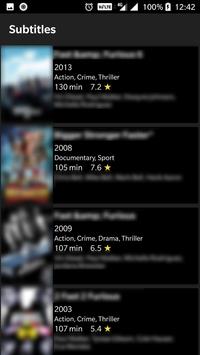
Search and download subtitles for movies in various languages.
The Subtitle file
.srt
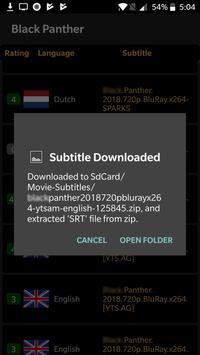
will be downloaded in the
Movie-Subtitles
folder in the sdcard or phone memory.
You will be needing a file explorer app to go to the folder where subtitle is downloaded.
Please go through the help section in the app which is having step by step guide with screenshots on how to use this app.
How to use this app
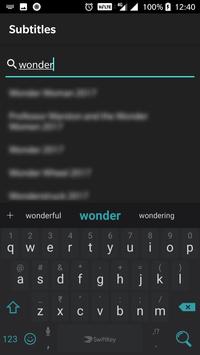
1. Search for the movie by clicking on the top search icon, then click on search icon in the keyboard, this will return list of matching movies.
You can also select the movie from the search bar drop down results.
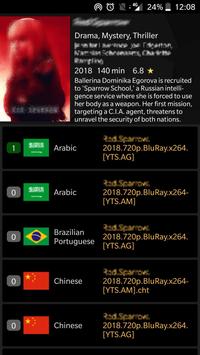
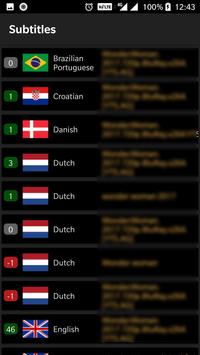
2. Tap the highest rated result of the language of your choice and the subtitle will be downloaded.
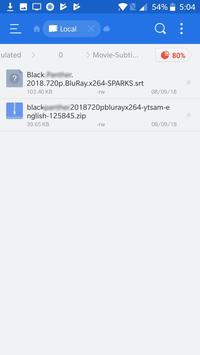
3. Click on
OPEN FOLDER
button and you can see both the zip file and the unzipped
srt
file in the
Movie-Subtitles
folder in the sdcard or phone memory.
4. You will be needing a file explorer to go to the folder where subtitle is downloaded.
5. The Subtitle file (.srt) will be downloaded in the
Movie-Subtitles
folder in the sdcard or phone memory.
6. Use the file explorer to copy this
srt
file to the folder of your video/movie file and rename the subtitle file same as the movie file name.
7. Suppose the movie file name is
movier_2018_BluRay.mp4
then rename the subtitle file as
movie_2018_BluRay.srt
. Now open the movie file with MXPlayer/VLC or any other media player of your choice and enjoy your movie with subtitles.
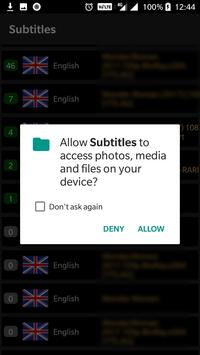
This app requires storage access to save downloaded subtitles.
Bugs fixes for older devices and minor improvements.





9Apps 4.9















