

1. Ang iyong Android phone ay dapat magkaroon ng minimum na bersyon ng Android Lollipop.
2.Kung hindi mo mahanap ang iyong naitala na video sa gallery, buksan ang folder ng / sdcard / recorded_videos sa file manager app.
3.Pindutin ang pindutan ng "Home" pagkatapos ng pag-click sa pindutan ng "Start Recording".
4.Kung hindi mo makita ang video sa nabanggit na folder mangyaring i-restart ang telepono. "
Screen Recorder lite is the application used to record the activities in your phone. This app consumes very less memory in your device.
1.Your android phone should have minimum of Android Lollipop version.
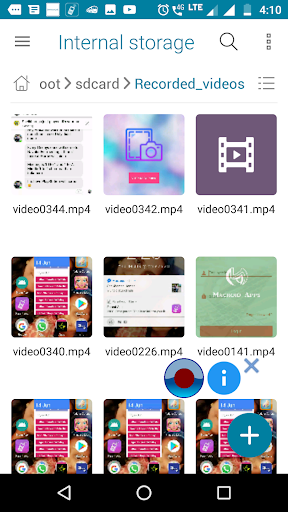
2.If you can't find your recorded video in the gallery, open the /sdcard/Recorded_videos folder in File manager app.
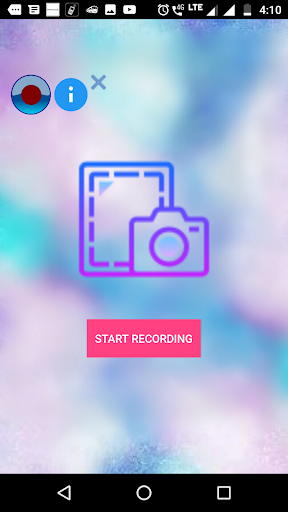
3.Press "Home" button after clicking "START RECORDING" button.
4. If you are unable to see the video in the mentioned folder please restart the phone.




9Apps 4.9













