
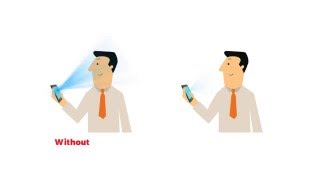
Your eyes will be protected from blue light.
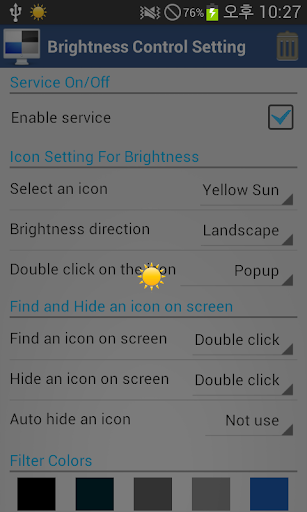
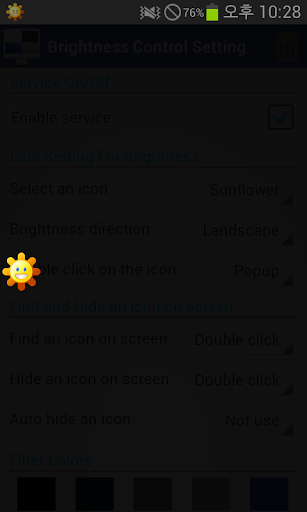
1. Select floating an icon
- Yellow icon
- Blue icon
- Red icon
- Sunflower icon
- Long sun
2. Brightness Direction
- Landscape
- Portrait
3. Double click on the icon
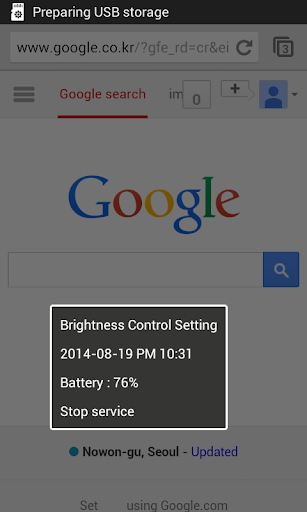
- Stop service
- Pause service
- Popup
- Flash
4. Find and hide icon on screen
- Double or triple clicking, floating icon is toggled.
- Auto hide an icon (1,2,3 sec later)
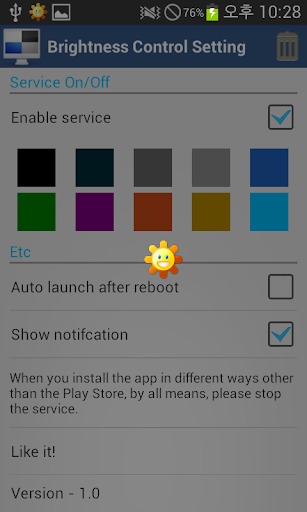
5. Filter Colors
- Select various colors
6. Auto launch after reboot
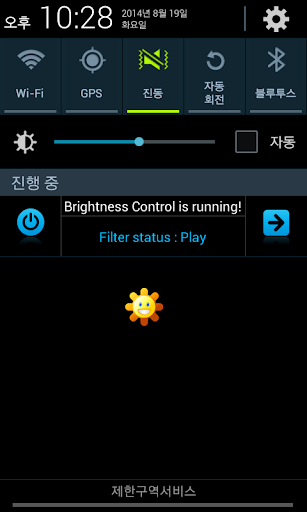
7. Show notification
- Stop service
- Pause service
- Go home
Ver 14.8.0.8
- Google Policy
Ver 14.8.0.7
- Added option whether to use icons
- Added filter colors





9Apps 4.9














