

Gumagana para sa anumang matalinong aparato, smartband, smartwatch na maaaring i-mute / i-unmute ang iyong telepono: mi band 3, (Android) Magsuot ng mga relo ng os, atbp Walang kinakailangang pagpapares!
Walang mga ad. Walang premium.
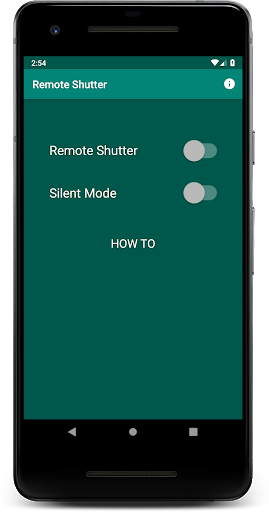
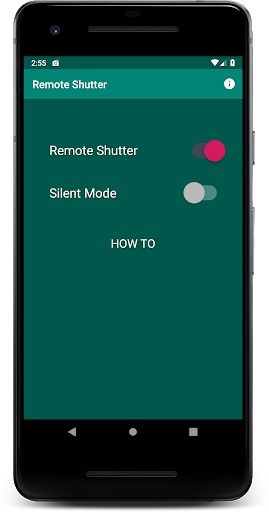
1. I-on ang remote shutter.
2. (Opsyonal) Lumiko sa tahimik na mode upang pilitin ang iyong telepono sa Silent Mode (i-off ang shutter sound)
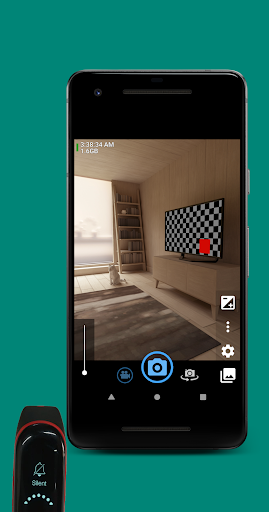
3. Buksan ang isa sa mga apps ng camera:
•
Buksan ang camera (https: // play. google.com/store/apps/details?id=net.sourceforge.opencamera)
,
bacon camera (https://play.google.com/store/apps/details?id=com.fgnm.baconcamera)
,
gabi selfie camera (https://play.google.com/store/apps/details?id=hu.kiti. .development.camerademo)
,
•
Circle Camera (https : //play.google.com/store/apps/details? id = com.camera.at.circle)
,
free camera (https://play.google.com/store/apps/details?id=net.sourceforge.freecamera)
4. Upang kumuha ng litrato o mag-record ng video, i-mute / i-unmute ang iyong telepono mula sa iyong smart device: Mi band 3, (Android) Magsuot ng OS Watch, atbp.
Launcher Icon ay nilikha gamit ang Launcher Icon Generator ng Roman Nurik.
Ang tampok na graphic ay nilikha gamit ang tampok na graphic generator ng Android ni Litrik de Roy.
Espesyal na pasasalamat: Lukito H, Erdiavin P, Willem P.
v1.0.1
• Show "HOW TO" description. Could be hidden/shown by tapping the "HOW TO" text.
v1.0.0
• Tested works for Mi Band 3, but should also works on any smartband/smartwatch/smart device which has function to mute/unmute your phone.






9Apps 4.9













