

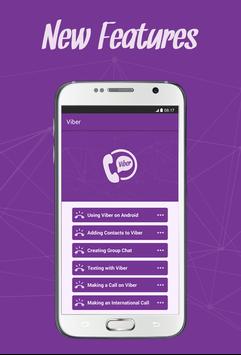

Viber uses Internet connection instead of regular mobile networks to send messages and make calls. This means that you can send unlimited number of messages and minutes of call to anyone, anywhere without having to pay any network charges. That’s why it’s a great way to communicate with people all over the globe. With Viber, you can also communicate with several people all at the same time in one chat window, unlike using SMS where you have to reply to people in separate threads.
Once you’ve successfully installed and registered for Viber on your smartphone, Viber will have access to your phone book. You won’t need to manually add your contacts to Viber. All your contacts that have Viber accounts will be tagged with the Viber badge.
Welcome to this guide. Your complete guide to Viber Messenger for Android. Just switch between tabs to make sure you don’t miss anything.
Update to the latest version of Viber Messenger guide





9Apps 4.9















