

It is a truth that 20,000+ users downloaded Notemath - Maths notepad latest version on 9Apps for free every week! All its functions are there and updated. This hot app was released on 2017-09-04. You can free download it from 9Apps.
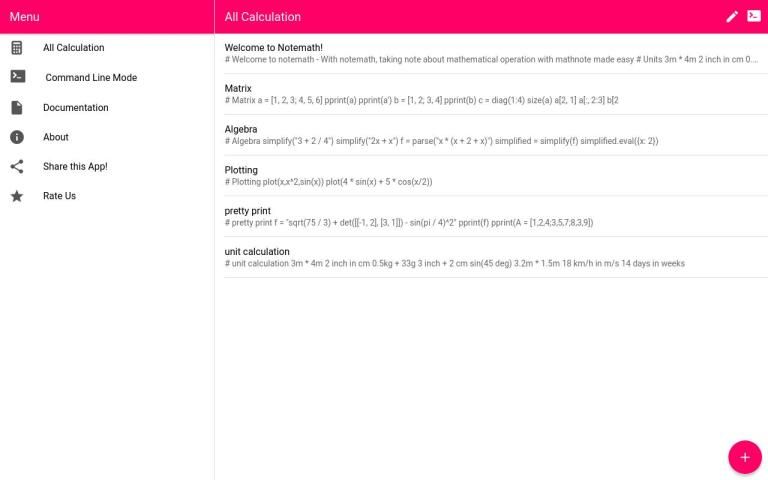
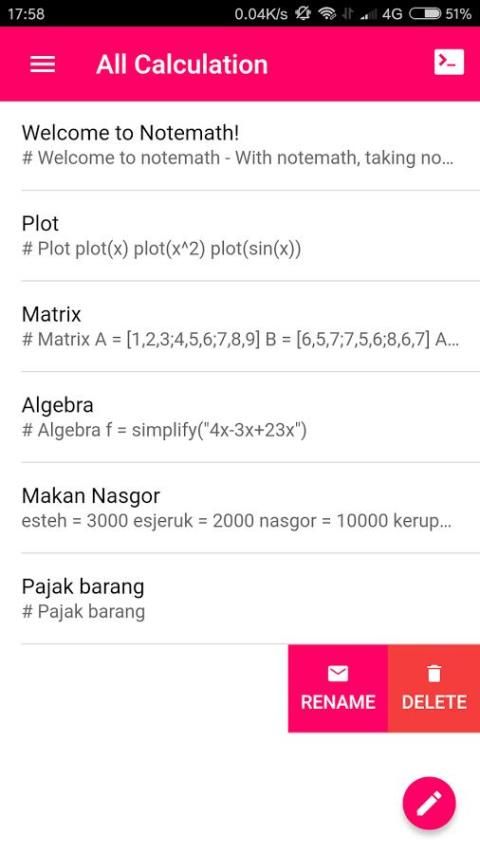
Isn't it nice to be able to save and edit your math calculation? and then with a single swipe you see the result of your math calculation? When you forget your calculation, you just open Notemath and see it again, no need to recalculate your calculation. And sometimes you don't bring paper and pen around or you just boring with your classic calculator. Notemath is all you need!
Note math, a math note, notepad math for your everyday math calculation.
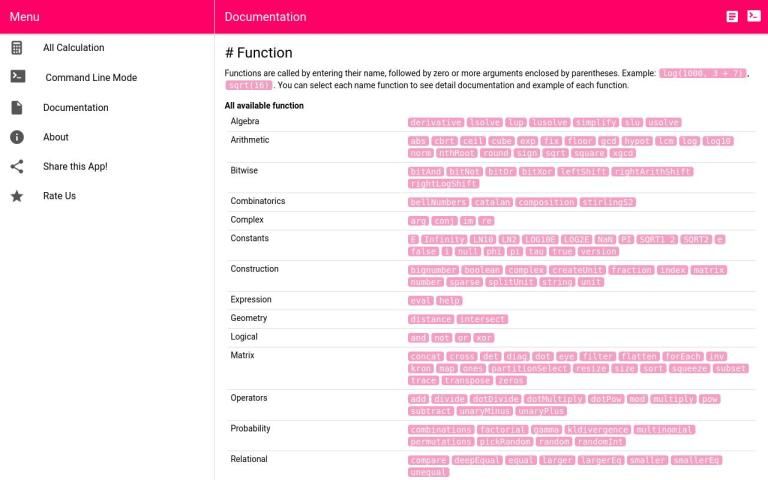
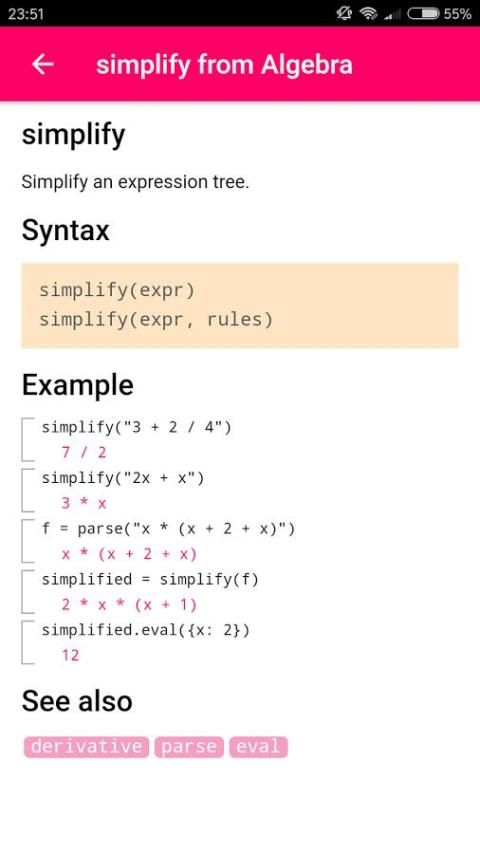
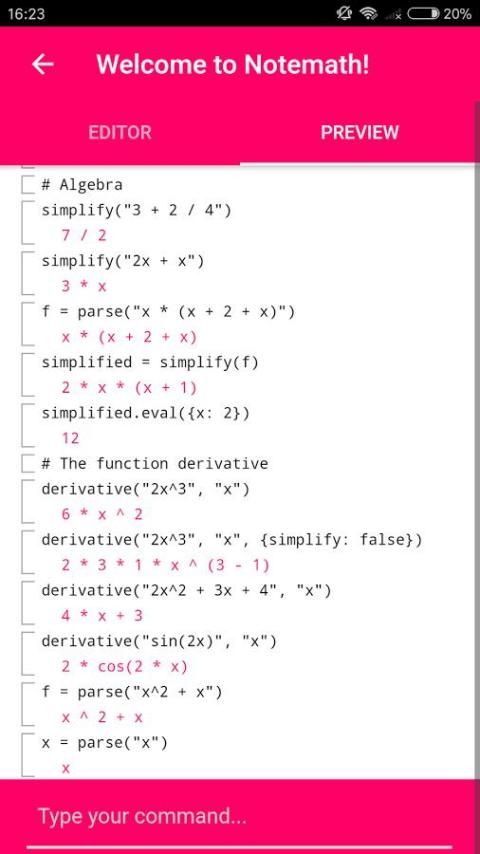
With Note math, saving your math calculation made easy. There are a lot of thing you can do with note math, from a simple sum like calculating a basic math operation, solving your algebra problem, Arithmetic calculation, Bitwise, Complex numbers, Geometry, Logical operation, matrix calculation, Probability, Relational, statistic trigonometry and unit calculation and conversion All in Note math.
The purpose of Note math is to store and save your mathematics calculation as a note, and make your calculation easy. You can say that notemath is a calculator with a "note style", or a note with a calculator inside. From a simple sum, calculate your grocery list, big number, complex number, algebra, matrix, Define a variable, define your own function, and almost all calculation can be done with Note math. Save and edit your calculation, and never lose your calculation note again.
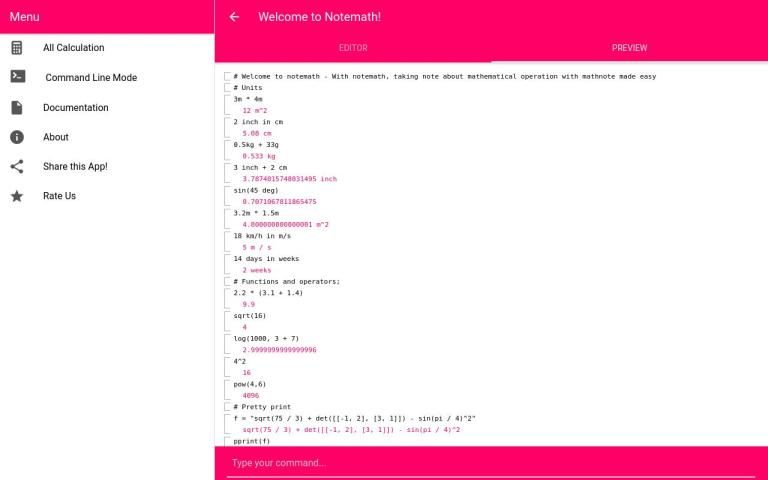
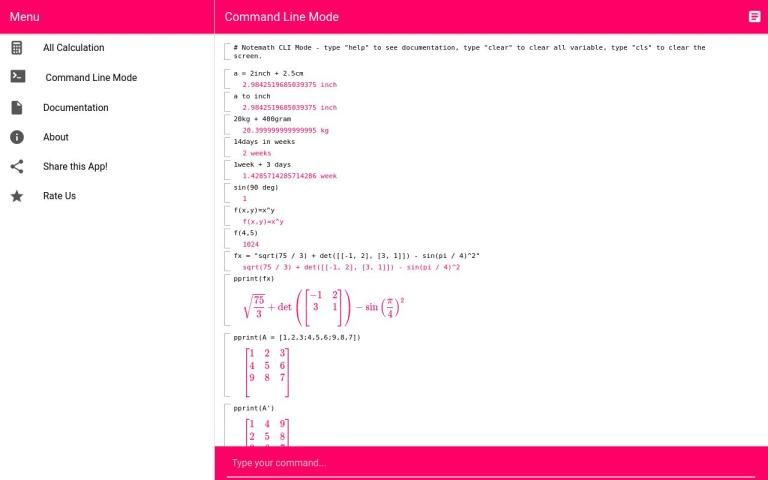
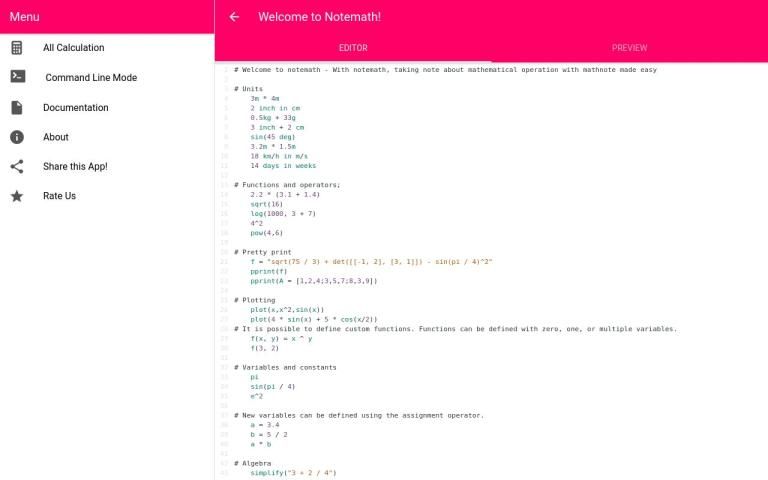
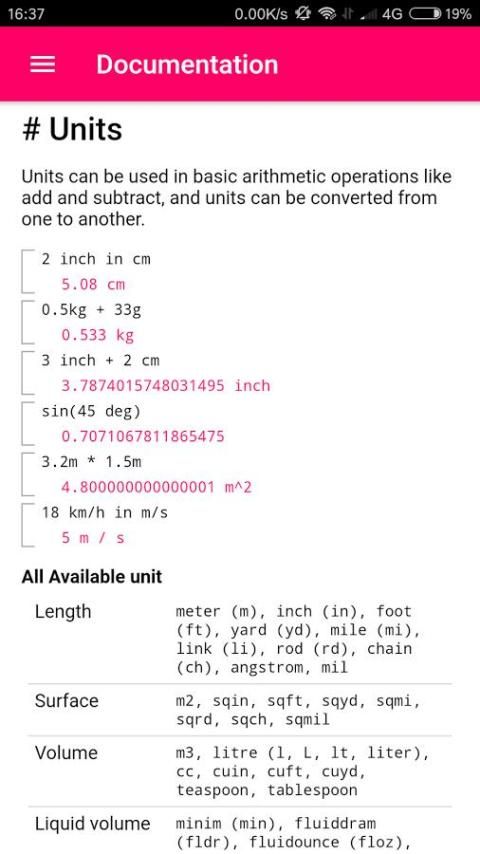
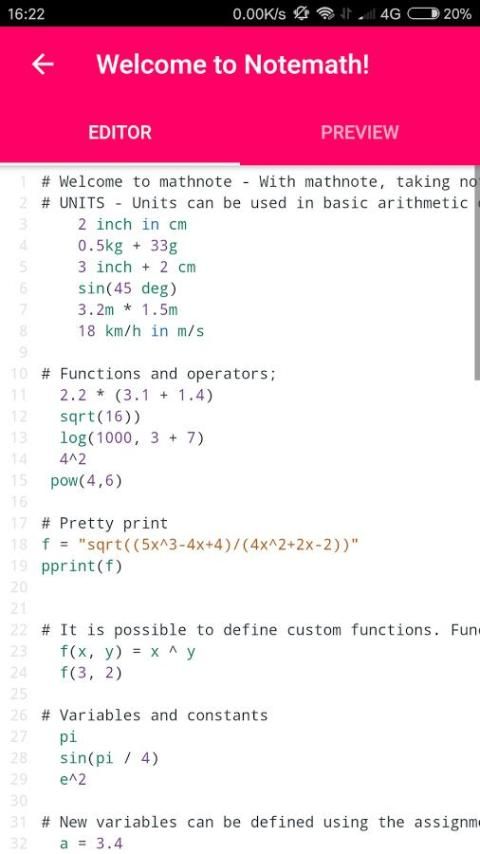
With Note math you can convert a unit to another unit like "3 meter to yard", "meter in yard", "5 meter + 6 yard". and so many Available unit you can work with like Length (m,in,ft,yd, etc), Surface (m2,sqin, etc), Volume, Liquid Volume, Angles, Mass, Electric current, Temperature, Force, Energy, Power, Pressure, Electricity and magnetism, Binary.
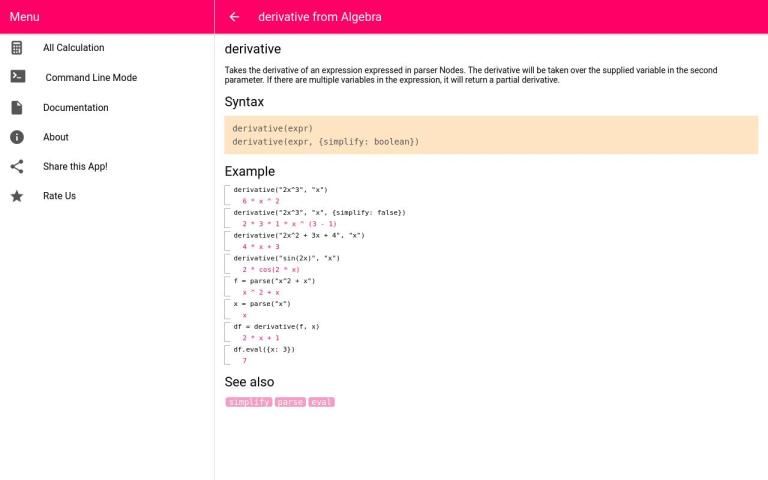
Notemath also have a predefined Physical constants like speedOfLight, gravitaionConstant, magneticConstant and so on. Read the documentation before starting to use note math. All available function and constant are listed there.
Pretty print:
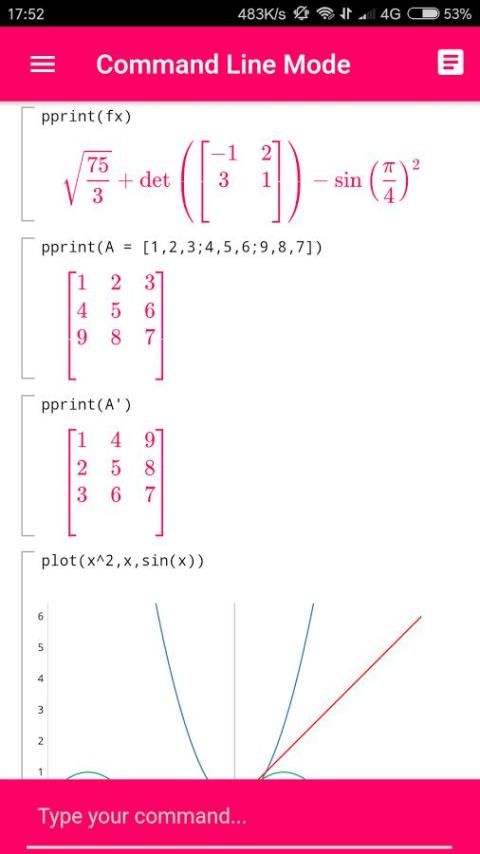
Pretty print allow you to print your calculation, formula and mathematical expression beauty and pretty. pretty print take a string argument, so make sure to add double quote in your argument, for example "pprint("sqrt(91)/2")".
Plotting:
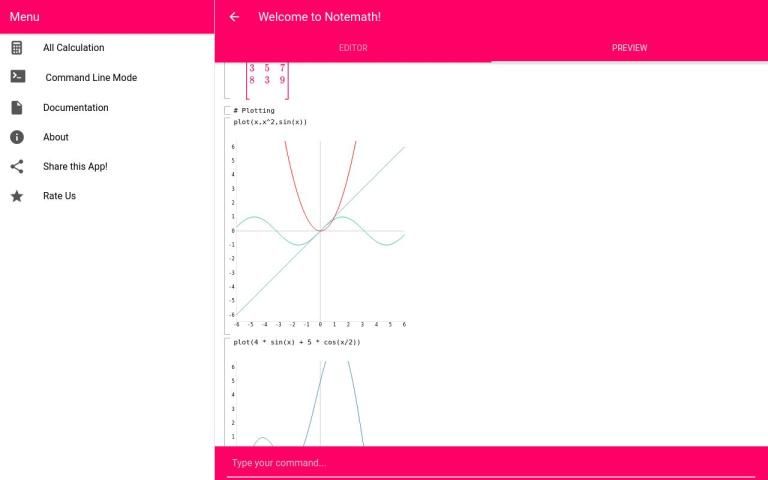
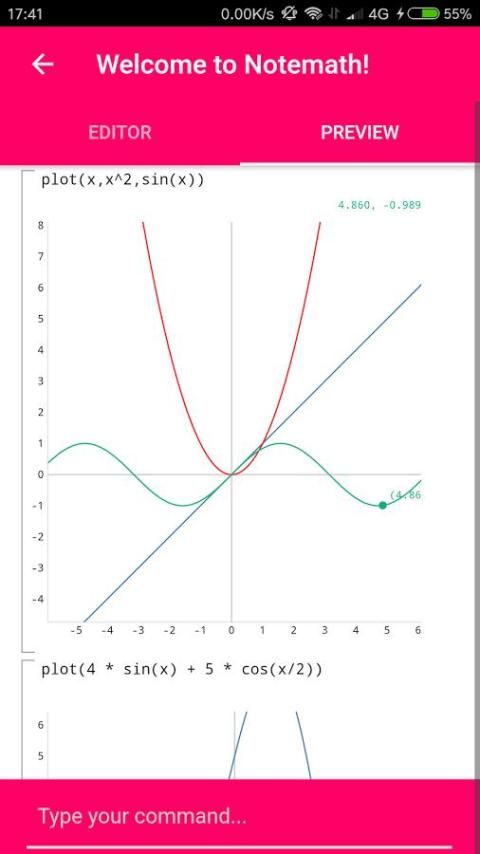
Plotting your function made easy with new function plot. just write "plot(function)" in your command or editor, function plot take array of argument, so you can plot more than one function, example "plot(x^2,x,sin(x))"
It is time to throw away your calculator and paper for calculation, Use Note math Now!! to make your calculation a lot easier and never lose your calculation ever again,
Note math, A note for your math calculation!!!
Feature:
Free,
Offline,
Pretty print (pprint())
Function plot (plot())
Easy to use,
Unit conversion,
Predefined Physical Constant
Arithmetic calculation, Bitwise, Complex numbers, Geometry, Logical operation, matrix calculation, Probability, Relational, statistic trigonometry and unit calculation and conversion All in Note math. All out of the Box.
Save your note.
Related:
Notepad math,
note math
math note,
math notepad
Powered with MathJS
Update some feauture





9Apps 4.9














