
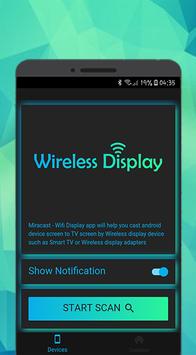
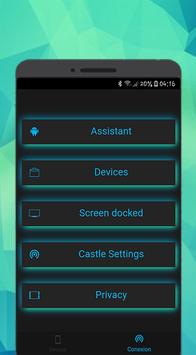
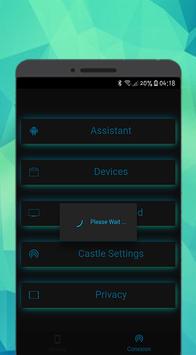
Miracast - Wifi Display app will helps to find share your mobile/Tablet device screen to suitable/ compatible Miracast/Wireless display device such as Smart TV or Wireless display dongles/adopters.
How to use this App?
1. Check your TV wheather it supports Wireless Display / Miracast.
2. Make sure TV is connected to the same WiFi network as your mobile device. You can't
connect it with wired connection (LAN).
3. Your device and TV must connect same network.
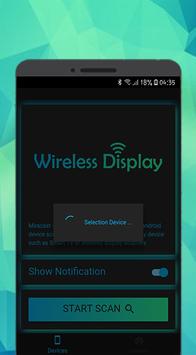
4. Click Start Scan button on app and choose TV.
This application brings you to the Settings screen for casting to the following products and more:
- Google Chromecast
- Netgear Push2TV
- Various Smart TVs
- Asus Miracast Wireless Display Dongle
- Amazon Fire TV Stick
1.1



9Apps 4.9














