
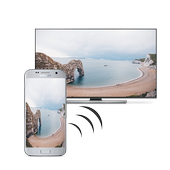
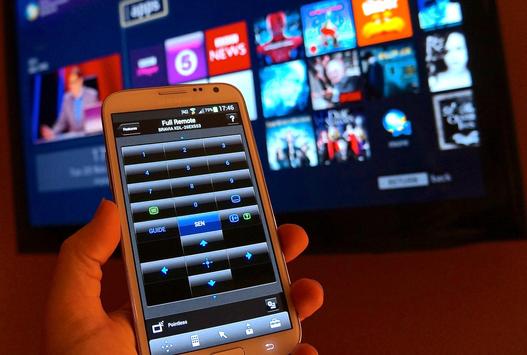
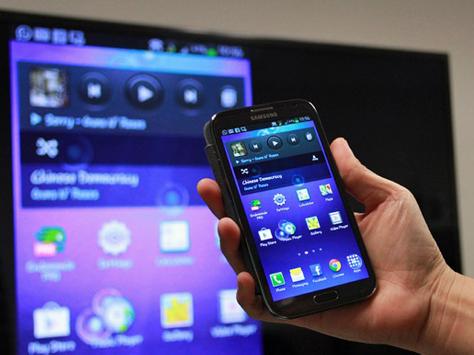
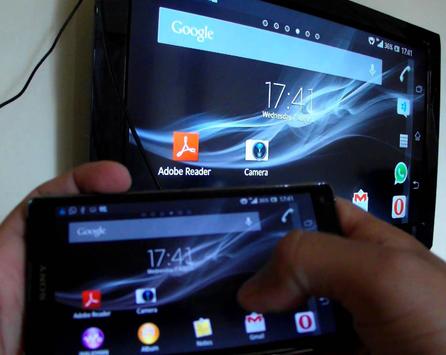
Miracast - Free Screen Mirroring app will helps to find share your mobile/Tablet device screen to suitable/ compatible Miracast/Wireless display device such as Smart TV or Wireless display dongles/adopters.
This app works(Tested) on most of the mobile phones with Android version 4.2 and above.
To Share/mirror mobile screen to SmartTV or Wifi Display dongle connected to TV, Following steps needs to performed:
1. Check your TV wheather it supports Wireless Display / Miracast.
2. Make sure TV is connected to the same WiFi network as your mobile device. You can't connect it with wired connection (LAN).
3. Make sure your Android device version is 4.2 or higher.
How to use?
Firstly App open then click on wi-fi display you will go on cast screen directly.
Enable the TV Miracast.
Tap on start wifi of the application.
Miracast application should be enabled.
Both will connect automatically to each other then you can see same mobile screen show on Smart TV.
Ease of Use: The app is fast event in 3g-4g-6g network and easy to browse .
Miracast gives you -
- Truly amazing graphics
- Amazing animations
- Carefully crafted option more apps
Please note: that the app works on 2G, 3G, 4G,6G and WiFi connectivity





9Apps 4.9












