


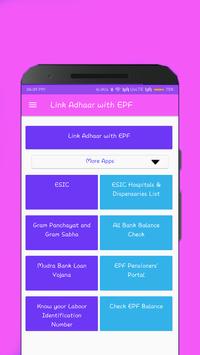
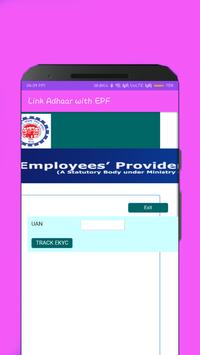
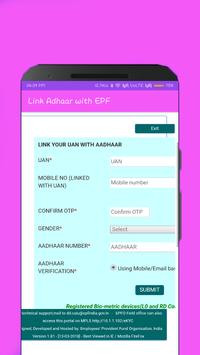
Here are the steps to link Aadhaar to EPF UAN account via this App
1.
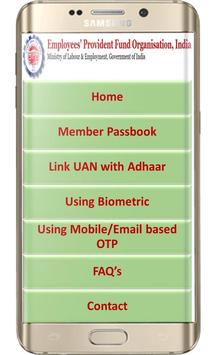
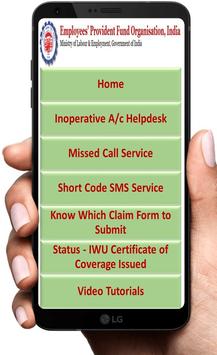
Open this App and click on online services section.
2.
Click on eKYC portal link.
3.
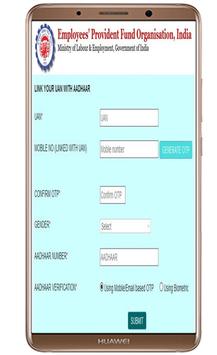
Now, click on 'Link UAN Aadhaar'.
4.
An OTP will be sent to mobile number linked with UAN. After OTP verification, the member will have to provide his/her Aadhaar Number. Another OTP will be sent to his/her mobile/email linked with Aadhaar. After OTP verification, if UAN details are matched with Aadhaar details, then UAN will be linked with Aadhaar.
Enjoy!!





9Apps 4.9















