

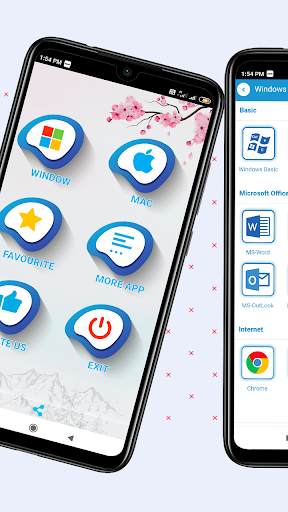
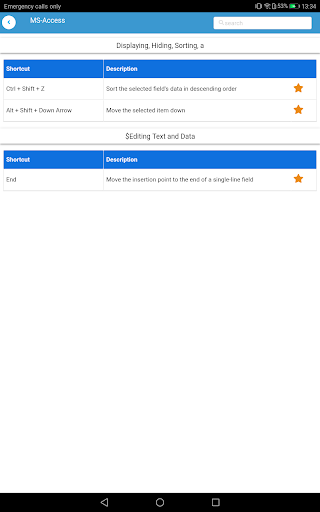
Ang edukasyon ay ang pinakamahalaga sa lahat ng buhay. Gayundin, kailangan nating malaman ang lahat ng pangunahing pangunahing tungkol sa computer. Kaya, sa tingin muna dapat nating malaman ang mga pangunahing shortcut key.
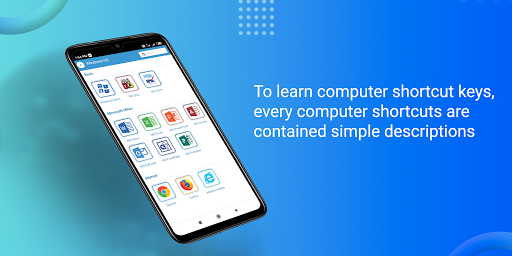
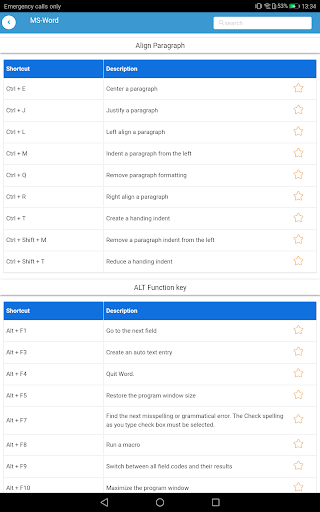
Ang application na ito ay tumutulong sa iyo na matuto ng mga shortcut key ng computer, ang bawat shortcut sa computer ay naglalaman ng simpleng mga paglalarawan at ito ang pinakamahusay na shortcut ng computer app.
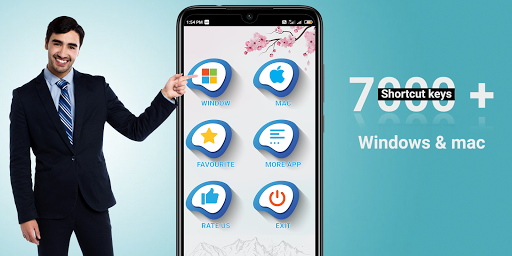
Sa application na ito ay may ganap na 7000+ shortcut key na may simple Mga paglalarawan.
Karamihan sa mga gumagamit tulad ng computer photoshop shortcut key, shortcut key excel, shortcut key sa computer, tally shortcut key at lahat ay nakategorya sa A hanggang Z computer shortcut key order.
Gayundin, ang application na ito 100% Paggawa offline, hindi kailangan ang koneksyon sa internet, kaya ito ang pinakamahusay na computer shortcut key offline app. Sa halip ng mga libro ng shortcut ng computer libre, maaari naming gamitin ang application na ito. Ang lahat ng mga command shortcut ng computer ay inilarawan detalye.
Whole MS Word shortcut key at lahat ng keyboard shortcut key. Gayundin, maaari mong matutunan ang lahat ng mga uri ng mga shortcut sa Windows keyboard, Microsoft Office key, mga shortcut sa keyboard, lahat ng mga shortcut key, mga shortcut sa bintana, Computer Sort Key din lahat ng mga shortcut sa keyboard ay nakahanay sa Control Key Mga Shortcut, Pangunahing Computer Keys, Keyboard Command, Ctrl Shortcut .
Sa edukasyon sa paaralan, matututunan namin ang mga pangunahing batayan tungkol sa computer, ngunit kung hindi namin alam ang tungkol sa mga shortcut key ng computer, hindi ka maganda sa mga batayan. Kaya, sa app na ito dapat mong malaman ang tungkol sa mga batayan ng computer.
Sa app na ito ng mga programming na may kaugnayan sa apps ng apps ay idinagdag din ang mga shortcut key. Tinutulungan ka ng app na ito na madaling matutunan ang mga kurso sa computer. Ang app na ito ay dapat makatulong para sa lahat ng mga mag-aaral sa agham ng computer at lahat ng mga paaralan at mga mag-aaral sa kolehiyo.
Ang lahat ay gumagana tulad ng offline na matuto ng kurso sa computer. Dito ay matututunan mo ang tungkol sa Internet at Web Technologies na may kaugnayan sa lahat ng mga shortcut key tulad ng Chrome, Firefox at maraming software. Fundamentals of Computer First Think Kailangan mong malaman ang mga shortcut key.
Mayroon kaming mga sumusunod na mga detalye ng software Mga Detalye
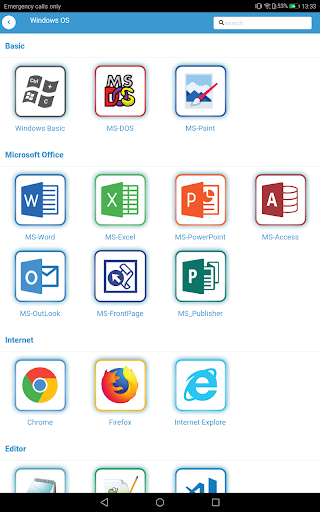
1) Windows Shortcut Keys
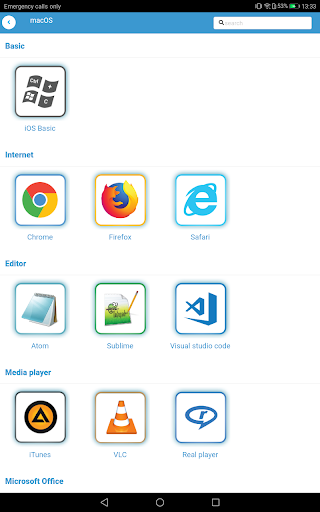
2) Mac Shortcut Keys
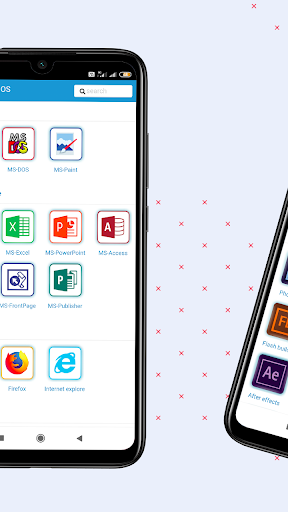
3) Microsoft Office
A) Microsoft Word Shortcut Keys
B) Microsoft Excel Shortcut Keys
C) Microsoft Powerpoint Shortcut Keys
D) Microsoft Access Shortcut Keys
e) Microsoft Outlook Shortcut Keys
F) Microsoft Frontpage Shortcut Keys
4) Adobe Package
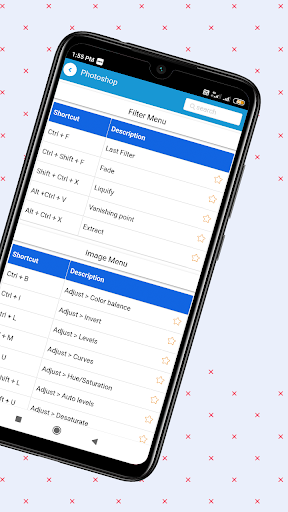
A) Adobe Photoshop Shortcut Keys
b) Adobe Illustrator Shortcut Keys
c) Adobe InDesign Mga shortcut key
d) Adobe Flash shortcut keys
e) Adobe Flash Builder Shortcut Keys
F) Adobe Dreamweaver Shortcut Keys
G) Adobe Bridge Shortcut Keys
H) Adobe Enters Shortcut Keys
Adobe After Effects BR> J) Adobe Premier Shortcut Keys
K) Adobe Fireworks Shortcut Keys
L) Adobe Audition Shortcut Keys
M) Adobe Prelude Shortcut Keys
o) Adobe Li. ghtroom shortcut keys
p) Adobe PageMaker shortcut keys
Q) Adobe Coreldraw Shortcut Keys
Q) Adobe XD shortcut keys
5) Internet
A) Chrome shortcut keys
b) Firefox shortcut keys
c) Internet Explore shortcut keys
6) Mga editor
a) notepad shortcut key
b) notepad ++ shortcut key
c) visual studio code shortcut Keys
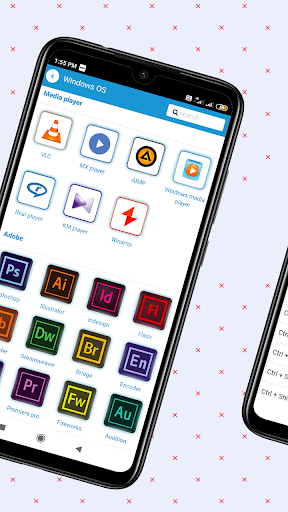
7) Media Player
A) VLC Player Shortcut Keys
B) MX Player Shortcut Keys
C) AIMP Player Shortcut Keys
D) Windows Media Player Shortcut Keys
e) Real Player Shortcut Keys
F) KM Player Shortcut Keys
G) Winamp Shortcut Keys
H) Itune Shortcut Keys
8) Basic Shortcut Keys
A) Paint Shortcut Keys
b) MS-DOS Shortcut Keys
9) Mga Account
A) Tally Shortcut Keys
Bug fixes and performance improvement





9Apps 4.9














