

Finger Count App is used to count any day-to-day activity, which normally user counts on fingers.
It is used to simulate Tasbeeh also, where Beep/Vibrate marker number will notify user to change the activity before completing the total count.
Functionality:
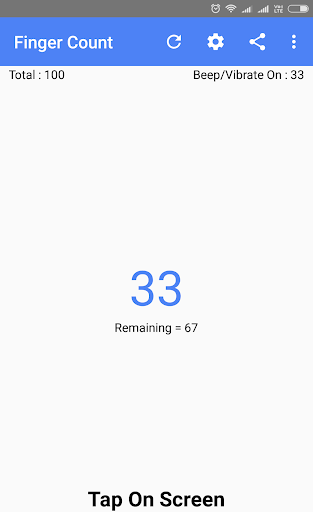
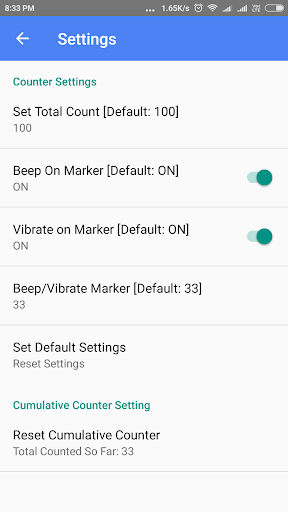
1. Total Count - Number at which the counter activity completes. Editable in the setting Page. Range from 1 to 1,00,000. App generates Beep/Vibrate notification when total count completes.
2. Beep/Vibrate Mark - When counter reaches multiple of this number, device gives a beep/vibrate notification. For example if total count is 100 and beep/vibrate mark is set to 33, than the App gives notification when the completed count reaches 33, 66 and 99. Marker number is editable in the settings Page. Beep and/or vibrate notification can be enabled/disabled in the settings page. It works same as a intermediate stopper in the tasbeeh count.
3. Reset Icon - Used to reset completed count to 0 and remaining count to Total count again.
4. Cumulative Counter - Total number of click/touches made by user so far on the app. Cumulative counter displayed only in settings Page. User can Reset the cumulative counter to 0. Useful if the user wants to count a large number which expands in several days of activity. Cumulative counter persists even after app closed.
5. Share - Share the Google Play Store Application Link to Friends and Relatives via any sharing medium installed on the devices viz. Email, Messaging, Chatting App etc.
Included:
1. Night Mode Theme
2. Remaining Counter Value for Beep/Vibrate




9Apps 4.9














