
With
Screen Draw Screenshot HighLite
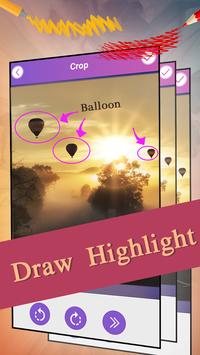
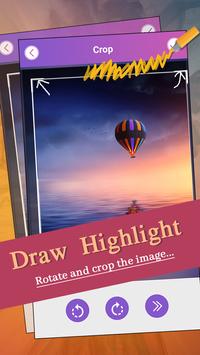
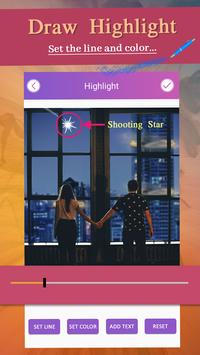
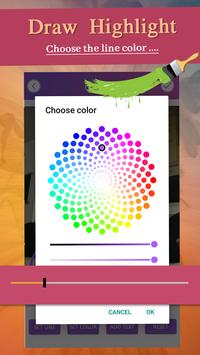
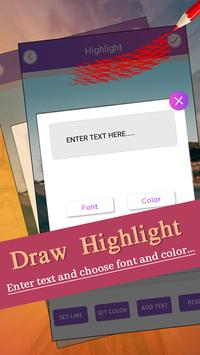
, you can draw anywhere or make text notes on anywhere of the screen , take screenshots and write any name or draw anything which your want to draw with this Screenshot Utility.
The
Photo Ink - Mark, Sign, Draw
app is useful for presentations, making tutorials for any other apps. The floating toolbar let you use the tools without leave the current running app.
Screen Draw Screenshot
is ads support version of "Quick Screen Draw Pro", Draw On Screen is exactly same as Draw bn Screen Pro, except that Draw On Screen Free added advertisements.
Key Features:
• Floating toolbar.
• Support draw of lines, rectangle, ellipse and arbitrary polygon.
• Undo/redo of draws
• Adding text as sticker.
• Auto save your editing and auto reload it next time start the app(pro version only)
• Take screenshots(Android 5.0 required), allow edit or share screenshot with other image editor or social apps.



9Apps 4.9













