

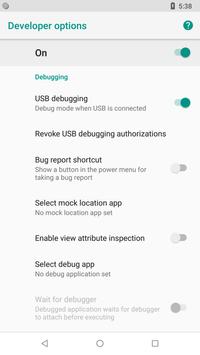
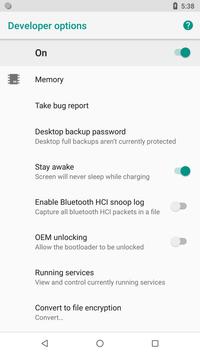
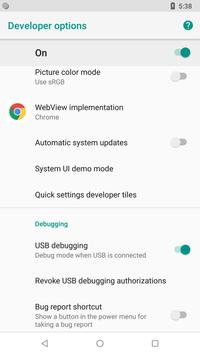
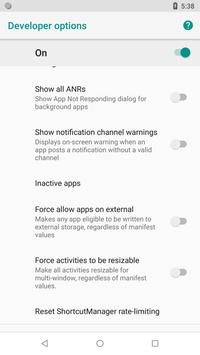
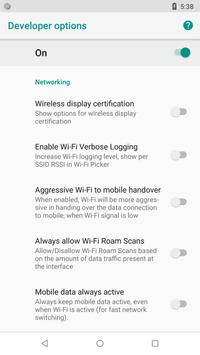
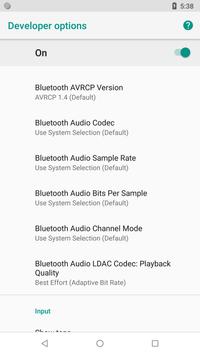
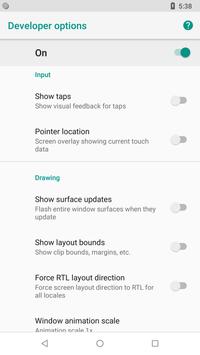
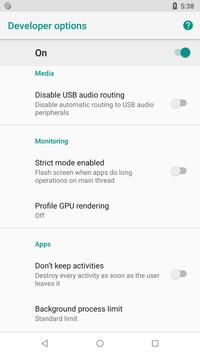
Developer Options include:
- USB Debugging option.
- Stay awake (Screen will never sleep while charging)
- Running services.
- OEM unlocking (Allow the bootloader to be unlocked)
- Picture color modes (Use sRBG)
- Quick settings developer tiles
- Show taps (Show visual feedback for taps)
- Force RTL Layout direction (Force screen layout direction to RTL for all locales)
- Background process limit
- Profile GPU rendering
- Show all ANRs (Show App Not Responding dialog for background apps)
- Force allow apps on external (Makes any app eligible to be written to external storage, regardless of manifest values)
Manually enable developer options for Android:
Go to Settings > About device > Build number. Tap Build number seven times. Go back to Settings,
where you'll find a Developer options.
Many bug fixes and underlying performance improvements

9Apps 4.9














