

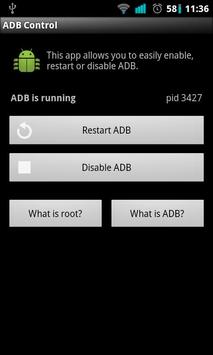
Quickly enable or disable debug mode!
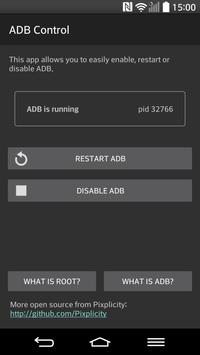
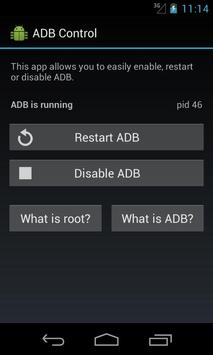
Allows you to toggle the Android Debug Bridge (ADB) without disconnecting from USB or heading into the developer menu. Perhaps your device's debugger occasionally stops responding? No worries, restarting it is done in a jiffy!
This app often resolves launch errors such as:
• com.android.ddmlib.SyncException: Too many open files
• java.io.IOException: Unable to open sync connection!
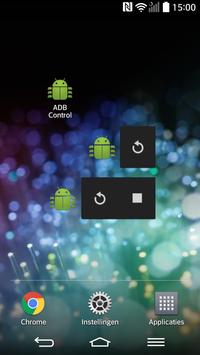
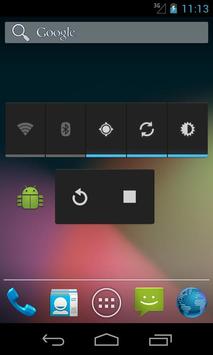
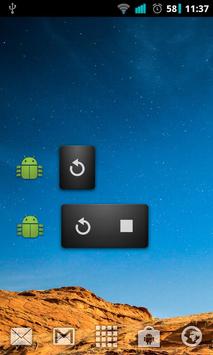
Includes a simple interface and two widgets.
Supported on all rooted devices from Android 2.1 up.
Requires root permissions.
After two and a half years, finally an update!
- Widget problems have been addressed
- New, material design
- Crash reporting to help diagnose any problems
- Tweaked the app icon a bit
- Help links now point to Wikipedia articles
- Dutch translation
Best of all, the app is now open source! Contribute code, bug reports or translations at:
https://github.com/Pixplicity/adb-control





9Apps 4.9













