

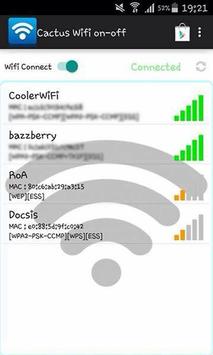
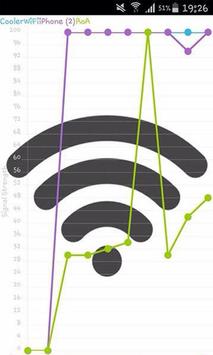
This WIFI Setting On-Off app can convert your Android device into a portable WIFI Setting On-Off. This is an ideal app if you don’t have a WiFi router to connect WiFi enabled device. This app becomes very useful in a travel situation. Just turn on the WiFi hotspot and you can instantly get Internet to your laptop or tablet.
This is actually a shortcut to your WiFi tether (in settings) and this works in any Android phone/tablet
Turn on WIFI Setting On-Off
Improve your Android Phone and Tablet experience.
Simple and fast.
Rename or secure your portable WIFI Setting On/Off
You can change the name of your phone's Wi-Fi network name (SSID) and secure its Wi-Fi network when it's acting as a portable hotspot.
Go to Settings > Wireless & networks > More > Tethering & portable hotspot.
Make sure Portable Wi-Fi hotspot is checked.
Touch Configure Wi-Fi hotspot.
The Configure Wi-Fi hotspot dialog opens.
Set your name and security options as follows:
Change the Network
TO USE: Just touch Portable WIFI Setting icon On/Off
Bug Fixed


![Fix WiFi Not Showing in Settings On Windows 10 | Fix Missing WiFi [2025] screenshot 3](https://i.ytimg.com/vi/ZVm6GBw-paM/mqdefault.jpg)



9Apps 4.9















