

*** This theme requires TouchPal X installed and enabled on your
device.
How do I apply?
1. Download Teal Keyboard
2. Open
3. Click Apply theme
4. Select Teal Keyboard by clicking Enable
5. Enjoy!
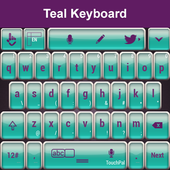
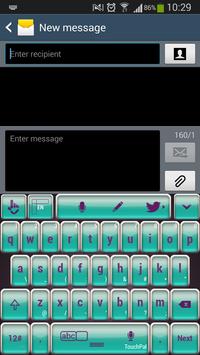
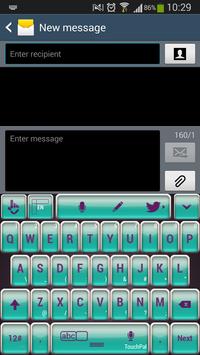
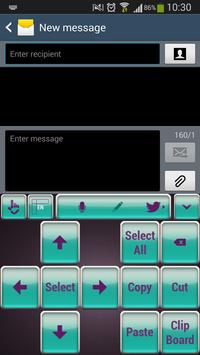
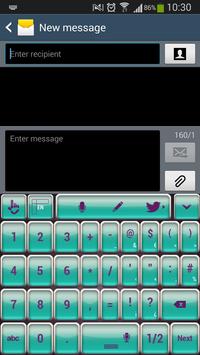
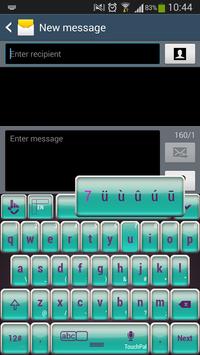
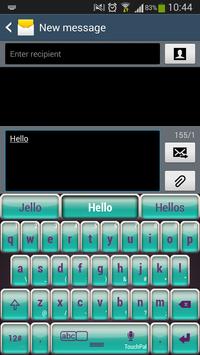
For and elegant look that will put you in the spotlight choose the gorgeous TouchPal X Teal Keyboard theme. Show off a confident attitude and also your passionate side by customizing your gadgets with the new TouchPal X Teal Keyboard theme. Be strong and bold and get your daily inspiration from this amazing Teal Keyboard theme. You will have success no matter what you do. Download the new TouchPal X Teal Keyboard theme, and be a true leader.
Fixed apply button

9Apps 4.9
















