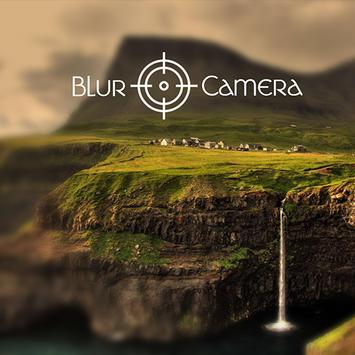
How do you stand out in a photograph? Blur the background of the image and any unwanted part of the photo.This app will make it easy and you will be a professional photographer.
How to use?
- Load image from album or library.
- Choose the photo effect you want to use blur, Pixelation(mosaic).
- Use the blur image brush or photo effect brush to blur and add effect any part of the photo.
- Change the size of the blur brush to fit your use.
- Change the level of the effect you use.
Features:
- Shallow focus photo in the background of the image.
- Blur the unwanted part of your picture.
- Blur image background effect.
- Use brush to blur where you want.
- Blur or pixelation ( All or part ).
Be a professional photographer just download it!
fix bug

9Apps 4.9