
Motion or click to turn off screen and take call without touching button.(power button,phone button)
1.Phone 180 degrees in the horizontal position,,,Skew a little down the phone upper part,
2.Phones below part a little lift on the desk when
* Receiving a call ... Incoming call when,
Screen OFF ... any time
(You can easily turn off the screen and answering calls)
##How to install this app##
1.Open "Setting" in home.
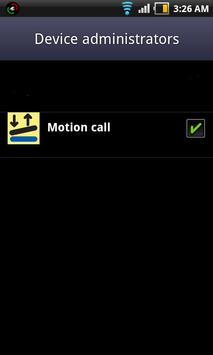
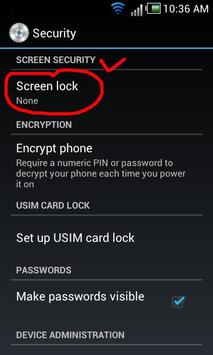
2.Select "Location & Security-> Select device administrators",
3.Motion call - Activate
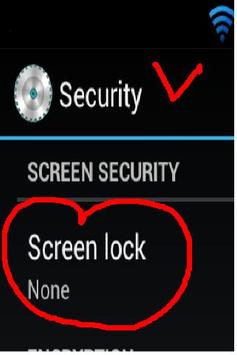
(Setting like screenshot please.)
##Requires Android:2.3 and up
Note: Task killer app to the ignore list will add delay to prevent
[v1.0] Adding Motion

9Apps 4.9