
You are advised to install CodeGuard (version 2.x) as this replaces CodeGuard-Pro and has the same features as CodeGuard-Pro! If you have previously used CodeGuard-Pro, you may import the information from a CodeGuard-Pro backup to CodeGuard.
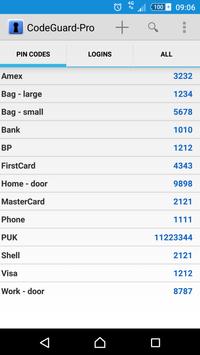
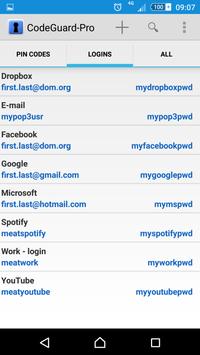
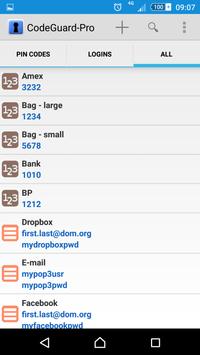
CodeGuard-Pro is a simple to use utility for managing your secret pin-codes and login account passwords.
All information is safely stored in a local database using AES 128-bit encryption. The information can be backed-up to an encrypted file stored on the local device. Optionally, a copy of the encrypted file can be stored on Google Drive. Information can be restored from a backup file on the local device or from a backup file on Google Drive. You will be asked to select which Google Drive account to use the first time you select any Google Drive functionality.
CodeGuard-Pro requires Internet permission to run, as this is needed for access to Google Drive.
Fixed problem that permissions were not asked for, (user had to enable permissions in mobile's settings for CodeGuard-Pro app).
Once again, inform user that CodeGuard (version 2.x) replaces CodeGuard-Pro.

9Apps 4.9