

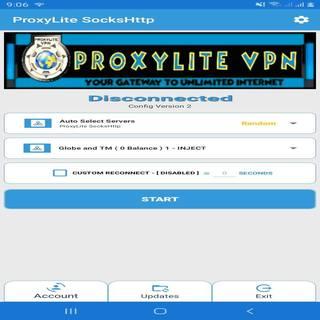
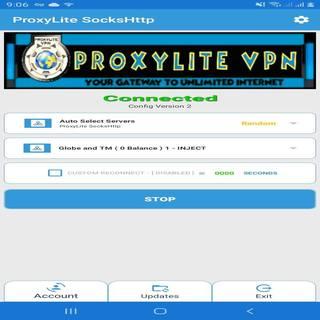
How to use?
1. Go to ACCOUNT -> Input your ProxyLite Premium or VIP account
2. Select your preferred server & network
3. Once it says you're connected, enjoy :)
PS:
* Only click/tick CUSTOM RECONNECT if your chosen network/trick has ( 80 ) on name
e.g:
Globe and TM ( 80 ) 3 - INJECT otherwise do not click/tick it
* For new accounts please wait 15 minutes before using it
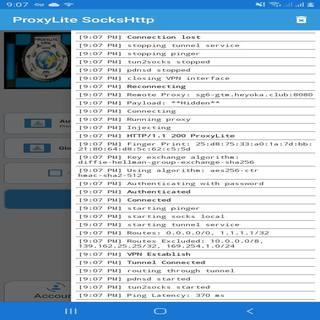
* If you can't connect just off/on your data



9Apps 4.9















