

Transfer Selected Files from device to device even though the file is small and large. There is no limitation for transfer.
Direction:
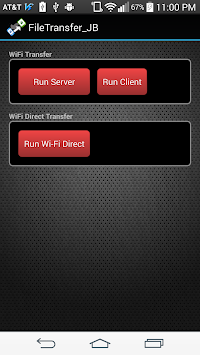
WiFi Transfer
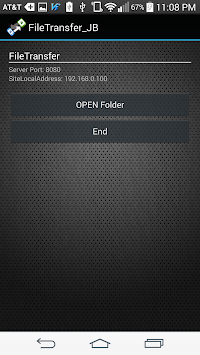
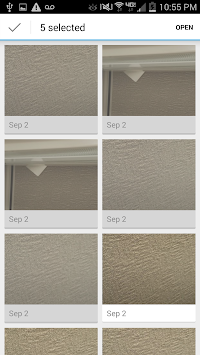
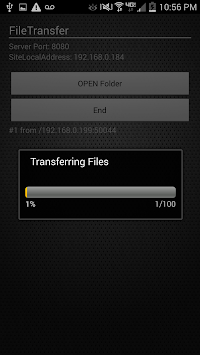
1. Server: Run Server -> Open folder -> Select one or multiple files -> done -> wait for client
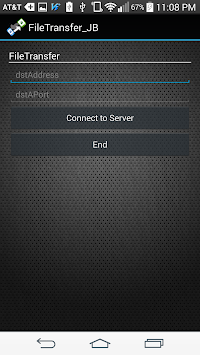
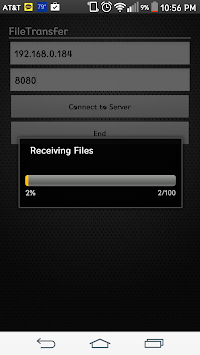
2. Client: Run Client -> Type Server address and port number -> Connect to server
-> this will automatically download from the server
Receiving Files upload into Download Folder
WiFi Direct Transfer
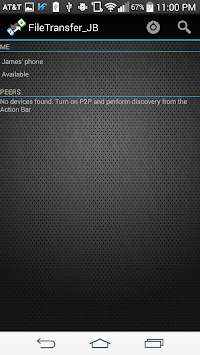
1. Discover two phones to peer with Discover button
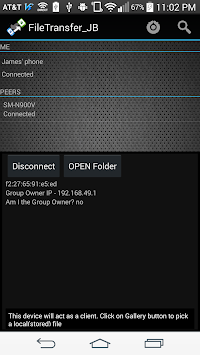
2. After get available device, connect
3. Device that press connect will be owner.
4. Client sends multiple files to owner.



9Apps 4.9















