
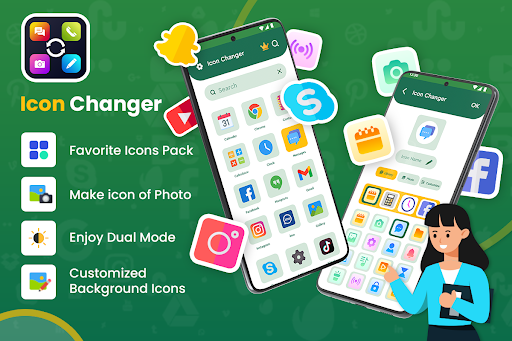
Want your phone to make an aesthetic logo for your phone apps and widgets? would you like to use the customized app icon changer? The Icon changer with aesthetic icons collection is for you.
The App icon changer has Thousands of icons for android with widgets and themes for you to customize your smartphone the way you want.
The aesthetic kit icons offer many icons for your android phone with widgets themes. The icon changer allows you to share the aesthetic icons with your friends and loved ones.
Using the app icon changer, you can easily change the application icon on the phone screen with various images to express your interest and preferences on the spot. The app icon changer provides a beautifully designed icon, themes, widgets, and screenshots to make your phone more beautiful.
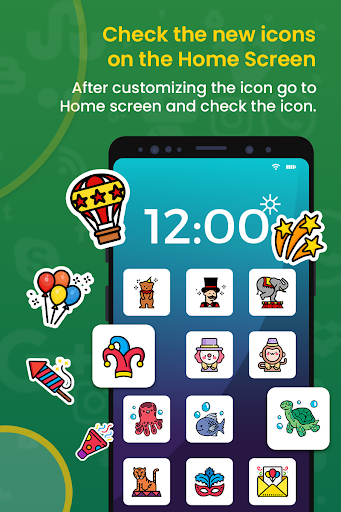
The icon changer is a very interesting application that changes your favorite app icon along with its name. The icon changer and aesthetic icon allow you to change the app icon while using your picture by that your phone screen will be looking more beautiful. By doing this the icon changer will create a shortcut on your phone's home screen and will offer an attractive look to your smartphone.
This is a very simple and easy way to decorate your app icon and android phone screen.
Basic Features of the icon changer with Aesthetic Icons
💫 Create a transparent app icon for the home screen
💫 Many types of icons and widgets to choose from it
💫 Provides various icons & screen styles for your android phone screen
💫 The aesthetic icon is the app customizer and app organizer
💫 The icon changer makes your phone pretty
💫 The aesthetic icon is also a cute icon changer app for girls
💫 Display stylish icon changer shortcut on the phone home screen
💫 Provides fancy widget themes for your phone home screen
💫 Icon changer enables you to change all social media platform icons
💫 Stylish icons set to make your phone screen unique and eye catchy
How to use Icon Changer & Aesthetic Icons
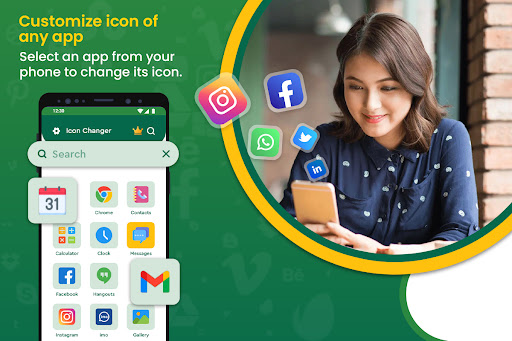
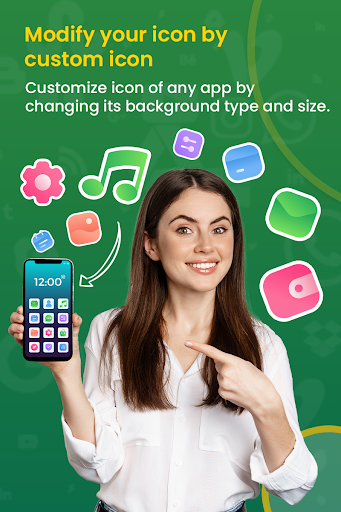
First, open the application, choose any installed app on your phone, and click to change its icon. Pick any of your favorite icons from the icons pack as per your desired icon. Click to edit and change icon background & size.
Key Features of the Icon Changer & Aesthetic icons
Change App Icon
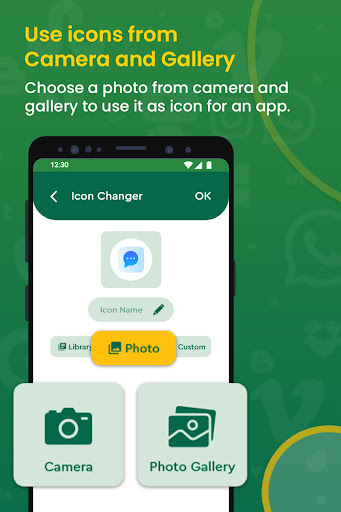
This is a very interesting part of the icon changer and aesthetic icon with customization widgets and theme packs of the app. It is the app icon shortcut creator of the app icon to make your phone screen more beautiful. This icon changer app allows you to create your app icon with icon name, theme, and widget, or you can use your picture from your phone camera or pick from the gallery.
Customize App Icon
The app icon customization is the key feature of the icon changer and aesthetic icon. This feature will facilitate you to provide an amazing background of the app icons with interesting favorite colors. The purpose of this feature is to let you create your app icon as per your choice. You can now easily customize app icons with more than 80 different colors, themes, widgets, backgrounds, and styles to create the perfect home screen aesthetic you dream of.
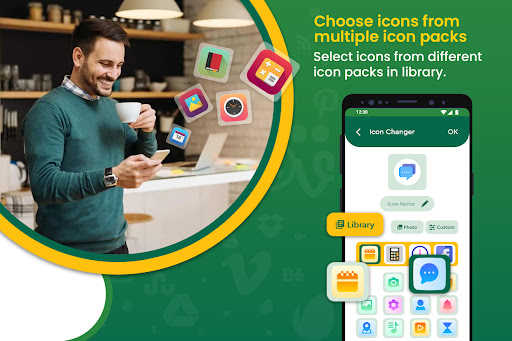
Icons Library
A collection of various app icons is there to facilitate you for your favorite ions. There are many icons set for your ease of yourself. All of the ions are with, widgets, a theme pack with a customizable aesthetic icon pack feature. So now you can easily change any social app icon within seconds.
Dual Theme
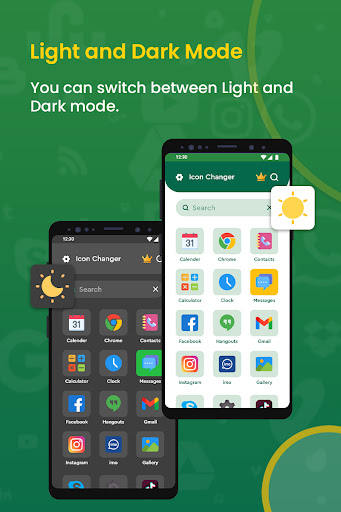
The icon changer and app customization with aesthetic are now in the dark themes as well as in the light theme on the palm of your hands. So, now it's your choice whether you will use the app icon changer app in the dark theme or the light theme.
Bugs Removed
Crashes Resolved
Added New Features
Upgraded UI
Improve User Experience
More User Friendly
More Easier




9Apps 4.9















