

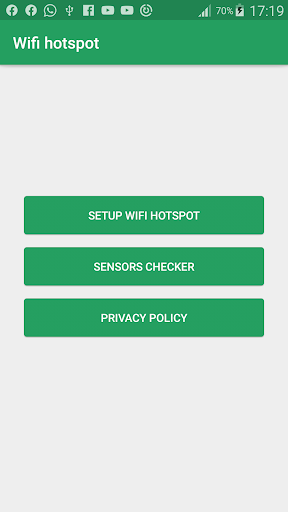
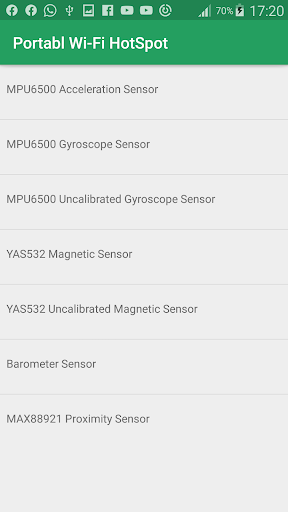
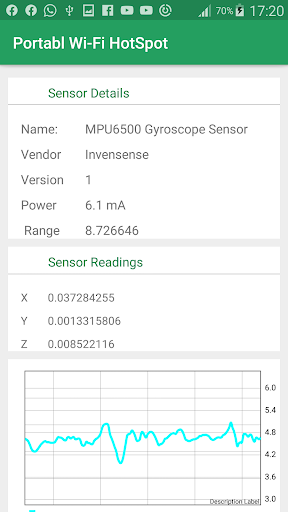
Turn on and off
Wi-Fi hotspot with Portable Wi-Fi HotSpot(Safe and Protected HotSpot
simple and fast
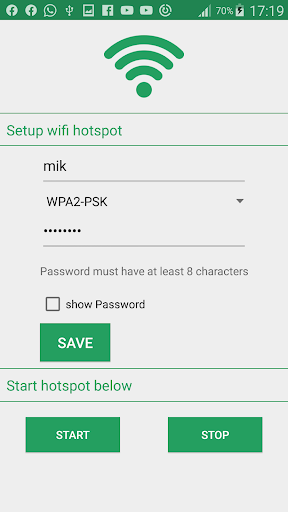
Rename or secure your portable hotspot
You can change the name of your phone's Wi-Fi network name (SSID) and secure its Wi-Fi network when it's acting as a portable hotspot.
Go to Settings > Wireless & networks > More > Tethering & portable hotspot.
Make sure Portable Wi-Fi hotspot is checked.
Touch Configure Wi-Fi hotspot.
The Configure Wi-Fi hotspot dialog opens.
Set your name and security options as follows:
Change the Network
TO USE: Just touch Portable Wi-Fi hotspot icon on / off
*Subscribing to smartphone data plan is needed for users of some telecommunication firms.
Hotspot for smart phones


![✅ TOP 7 Best Portable WiFi Hotspots [2026] 🔥 For Travel / Gaming / Mobile Router & Wireless Hotspot screenshot 2](https://i.ytimg.com/vi/mVVryhpDYEY/mqdefault.jpg)



9Apps 4.9














