
Use-
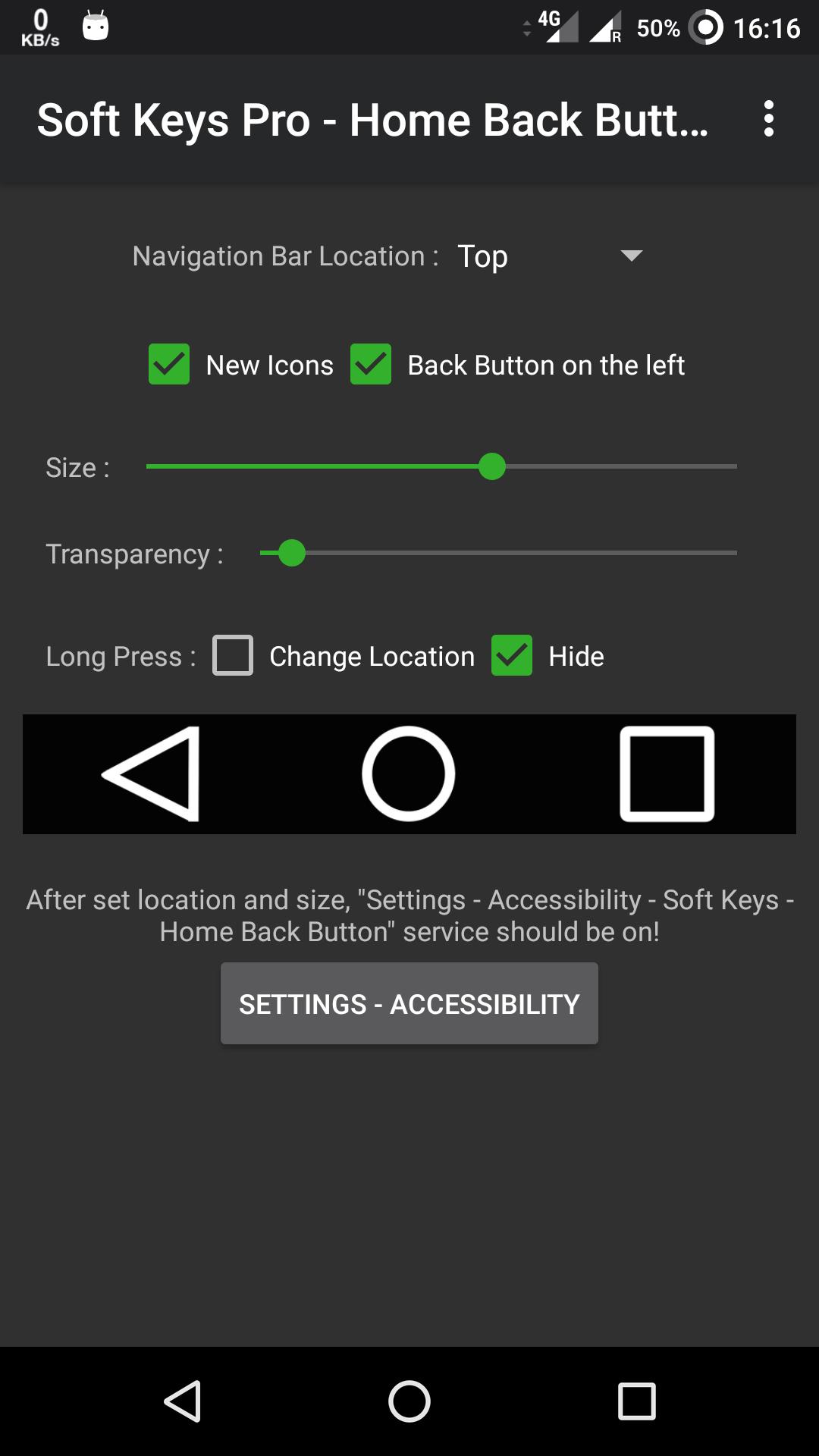
- open app, enable permissions if asked
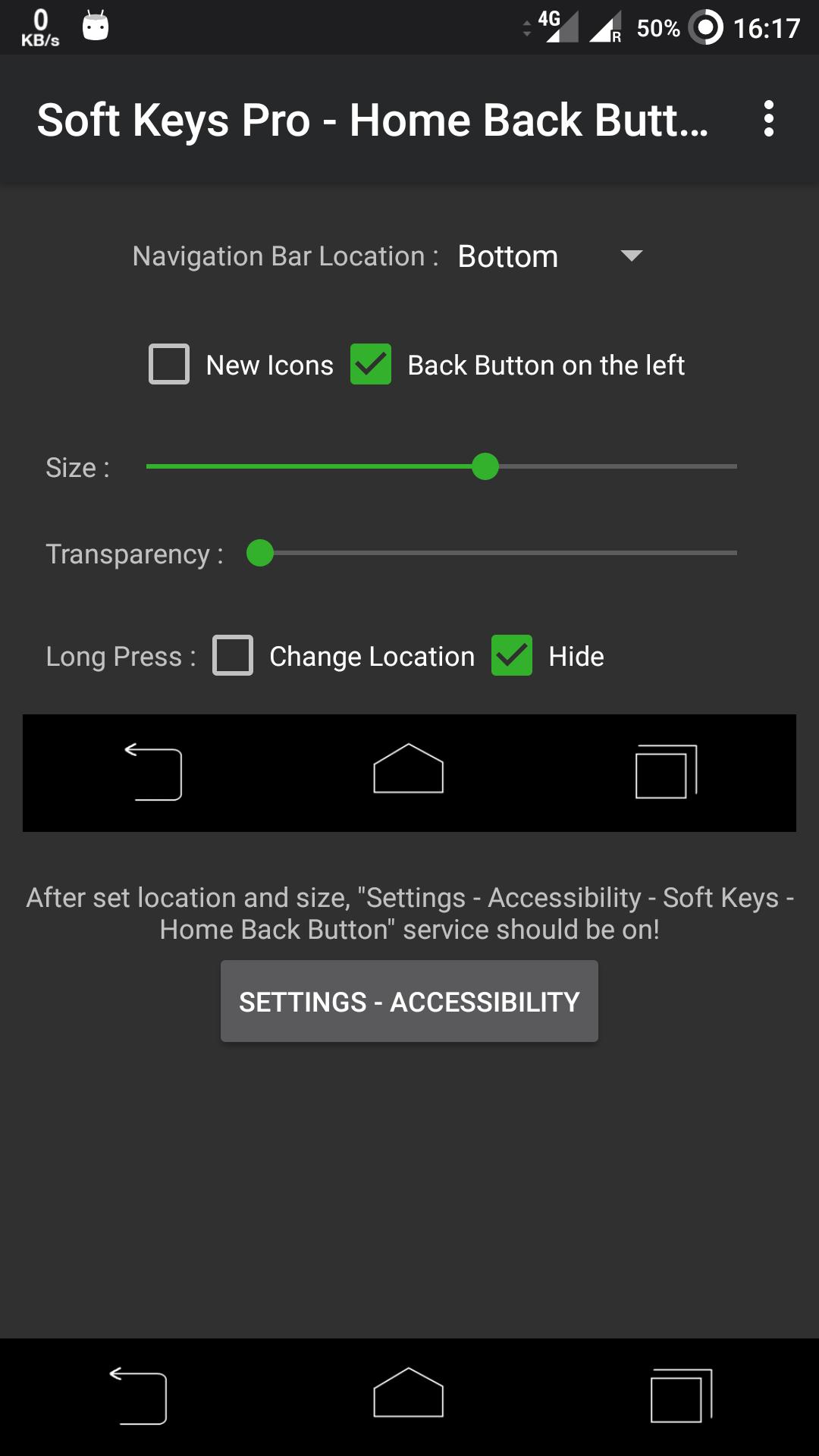
- set location, size ...
- click "Settings-Accessibility" button.
Key Features:
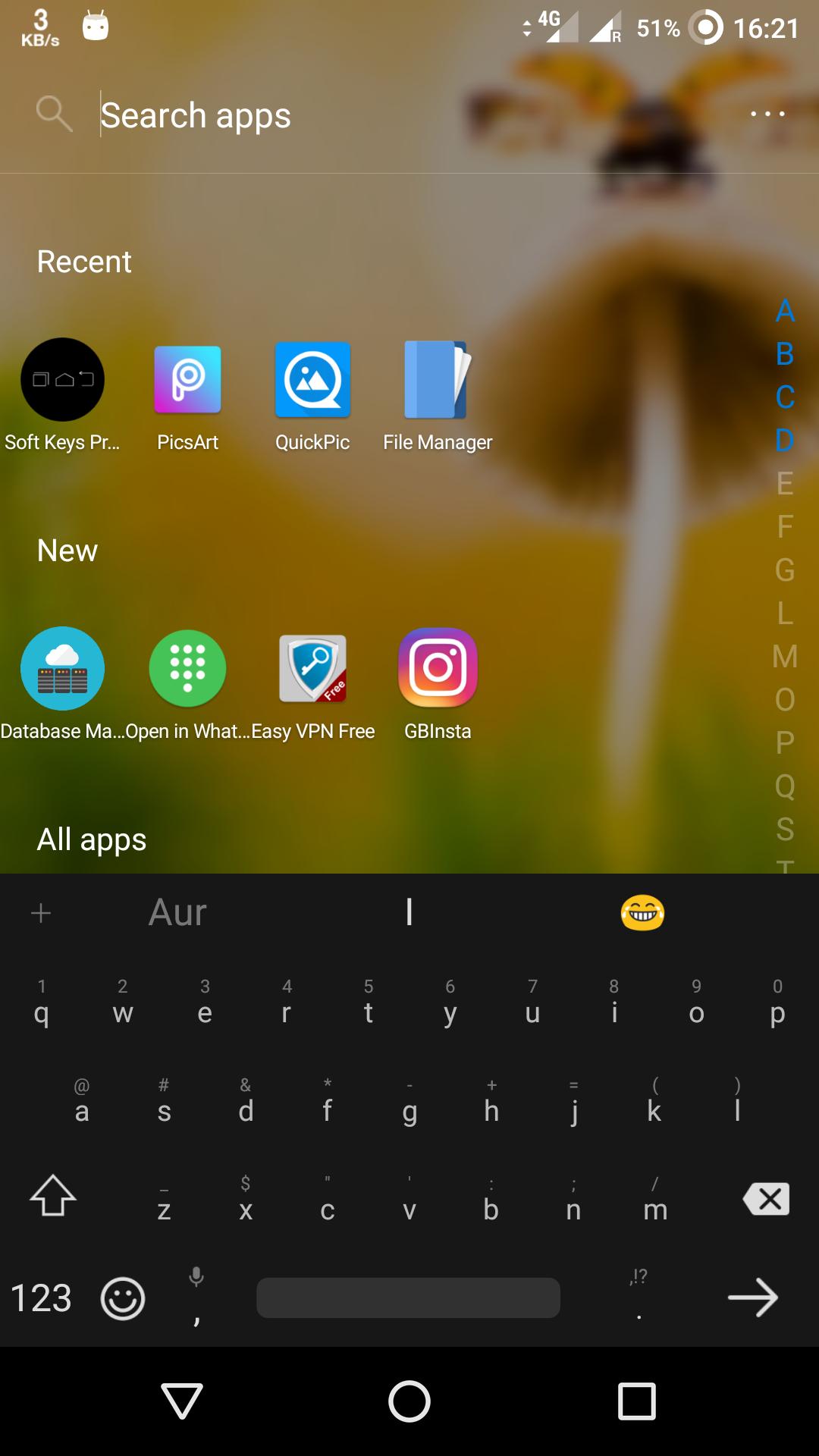
• Auto hide navigation bar
• Easy to swipe up/down to show/hide navigation bar
• Functions: Home, Back, Recent
• Ability to Set vibrate on touch
• Options to lock navigation bar
• Ability to change navigation bar with background and button color
• Ability to set navigation bar size with height
• 2 Themes Available
• Long press action for back, home, recent buttons
- find "Soft Keys - Home Back Button" and enable it.
Contact Us:
Facebook: https://www.facebook.com/pandeycvs
Please send us your feedback pandeysp311867@gmail.com
For business/designer cooperation, please do not hesitate to contact
Email: pandeysp311867@gmail.com
Helpline No- 9792485017



9Apps 4.9