

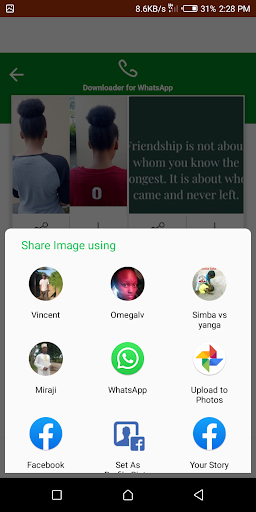
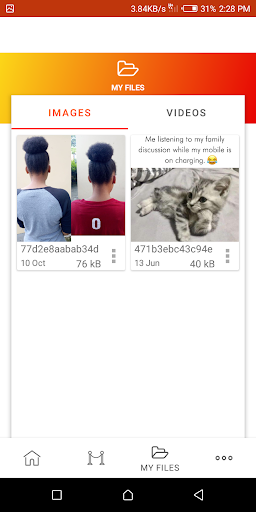
How to Use?
1 - Check the Desired Status/Story...
2 - Open Status Saver, Click on any Image or Video to View...
3 - Click the Save Button...
OR
1 - Check the Desired Status/Story...
2 - Hold on a Status to Enable Multi Selection,
3 - Select "Save" from the Toolbar Menu!
The Status Image/Video is Instantly saved to your Gallery! ??
The Only App in the Store which shows you Statuses from 4 Different Apps/Environments!
They include -
1) Normal Statuses,
2) G.B Statuses,
3) Business Statuses,
4) Normal Statuses from Parallel Space Pro!
Notable Features:
* Multi Save, Delete, Repost / Share, Delete,
* Easy Repost even without Saving,
* Easy & Fast Saving,
* Built in Image Viewer & Video Player,
* Easy Navigation!
Still Reading this?
Go get the App & start Saving Statuses ?
Hey wait,
Please do give a Good Rating if you liked the App! ?
Probably a 5 Star
Bugs fix



9Apps 4.9















