

1. โทรศัพท์ Android ของคุณควรมีรุ่น Lollipop ขั้นต่ำ Android
2.หากคุณไม่พบวิดีโอที่บันทึกไว้ในแกลเลอรี่ให้เปิดโฟลเดอร์ / SDCARD / RECORDED_VIDEOS ในแอป File Manager
3.กดปุ่ม "Home" หลังจากคลิกปุ่ม "เริ่มการบันทึก"
4.หากคุณไม่สามารถดูวิดีโอในโฟลเดอร์ที่กล่าวถึงโปรดรีสตาร์ทโทรศัพท์ "
Screen Recorder lite is the application used to record the activities in your phone. This app consumes very less memory in your device.
1.Your android phone should have minimum of Android Lollipop version.
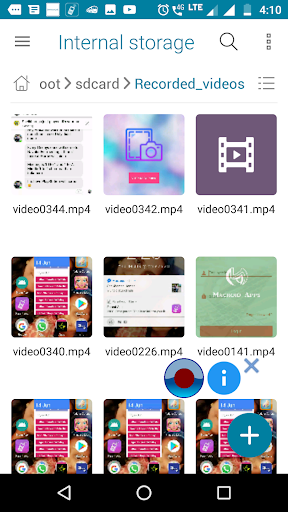
2.If you can't find your recorded video in the gallery, open the /sdcard/Recorded_videos folder in File manager app.
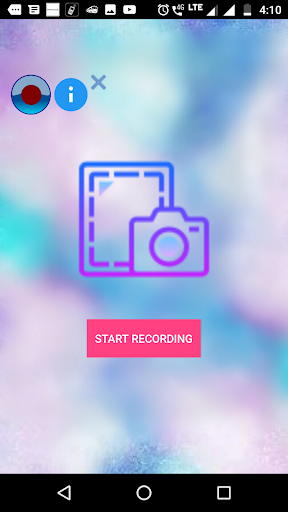
3.Press "Home" button after clicking "START RECORDING" button.
4. If you are unable to see the video in the mentioned folder please restart the phone.




9Apps 4.9














