
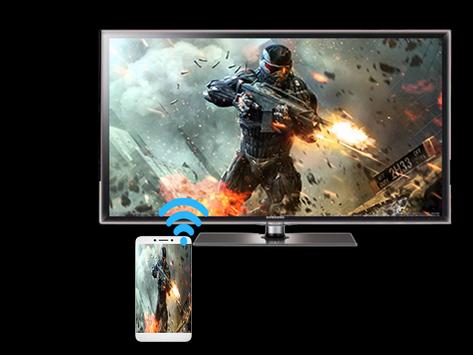
Mirroring Screen For Wifi Tv
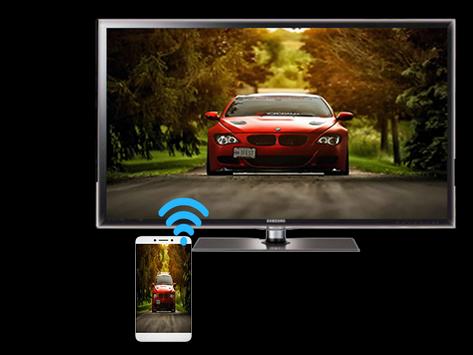
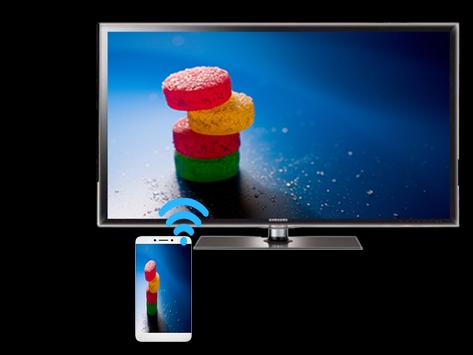
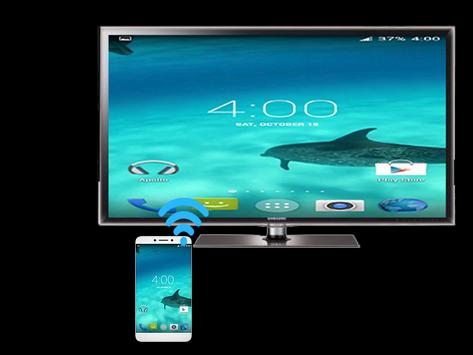
instructions to start Mirroring Android Devices to TV using Wi-Fi:
1) Download and run Screen Mirroring Tv App.
2) presse start mirroring and enable screen mirroring.
3) Make sure TV is connected to wifi network to the same as your phone.
4) Scan for devices to connect to and then just selected to pair them up.
5) The Phone version must be android 4.2 or higher.
Better versions fallow us



![How to Control Android Phone from a PC or Laptop [USB & WiFi] | Share / Mirror Android Screen to PC screenshot 5](https://i.ytimg.com/vi/9ox76po9S0g/mqdefault.jpg)

9Apps 4.9















