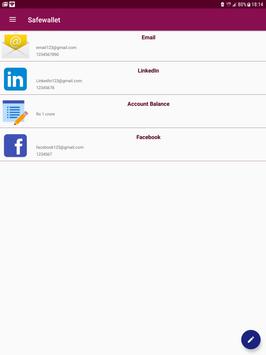
SafeWallet The Password manager helps you to save all your Credentials, Email, Password ,ATM card details
and secure in the
encrypted form.
Main Features:
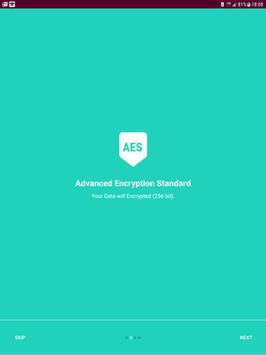
AES 256 Encryption
Material Design
Simple and user friendly
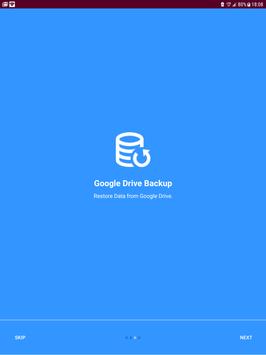
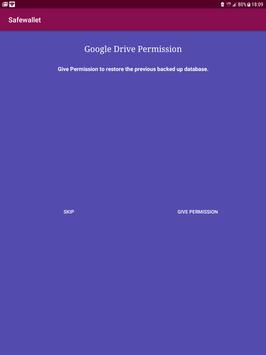
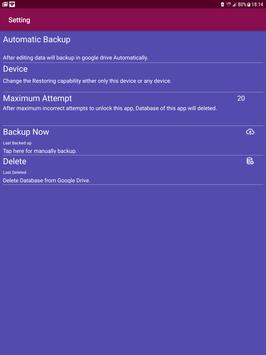
Google Drive Backup
No Advertisements
Auto Lock Features
Max Incorrect Attempt
Support Android JellyBean to latest Android
Nougat .
AES 256 ENCRYPTION:- The Advanced Encryption Standard, or AES, is a symmetric block cipher chosen by the U.S. government to protect classified information and is implemented in software and hardware throughout the world to encrypt sensitive data.
MATERIAL DESIGN:- Latest Recommended user interface
by Google is used.
SIMPLE AND USER FRIENDLY:-
Simple App and no unnecessary
features ,
so that it can
run very smoothly.
NO ADVERTISEMENTS:- To improve
the user experience and performance
of the app, No advertisements
are added.
AUTO LOCK FEATURES:- IF app is being
used for 2 min , it will lock automatically .
MAX INCORRECT ATTEMPT :- All the data will delete automatically
, if another one try to unlock this app.
SECURITY : This app has 3 level security. First
your Credentials
and secured
by the Master Password, Second your database are secured
in hidden
folder so that no other app can access it, And third it is encrypted , only your master password
can decrypt it.
Bug Fixes , Speed and Performance Improved.

9Apps 4.9