

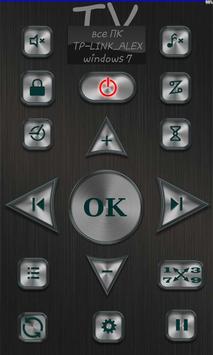
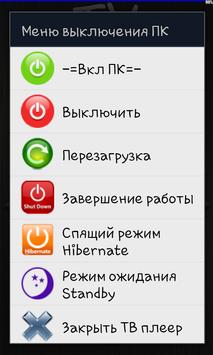
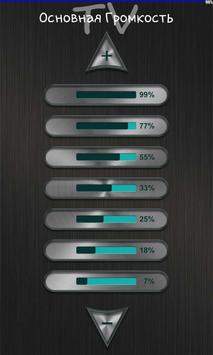
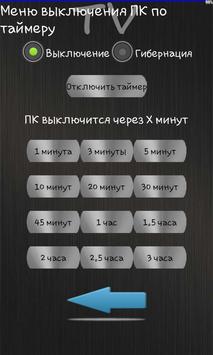
Using the application 'TV Remote Control PC' (client) for Android you can control the computer with Operating System Windows XP/7/8 (server), change the volume level, change channel of TV tuner, lock screen, shutdown PC using timer.
Program requires: home WIFI network which is connected to a smartphone based on Android 2.1 or up, a PC with Windows XP/7/8 is connected to the same local network. Program (client) must be installed on a smartphone, program (server) must be installed on PC.
Installation manual:
1 Download and install it on a computer with Windows XP/7/8 program 'Remote Control Server' - (Server) ;
from http://alexsoft.in
2 Download and install on your Android device 'Remote Control Client' (Client) - this application.
3 Start on PC the Server
* For look torrent TV you need install Ace Stream Media 3.0 from http://acestream.org
Descriptions:
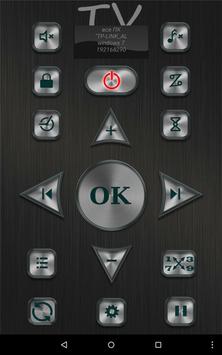
1 Volume Control PC
2 Power Control PC
3 Start TV player or close it
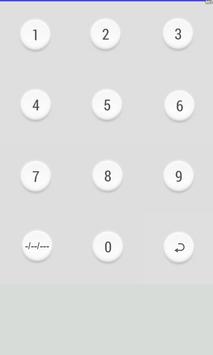
4 Change channels
5 Show Current Time on PC
6 Sleep timer PC
7 Mute player or PC
8 Full screen mode
Compatible with the program 'Remote Control' media players are:
1 Behold TV Tuner
2 IP-TV Player
3 torrent TV
Design by Vasile Sayfutdin, behance.net/vasile
(c) http://alexsoft.in




9Apps 4.9















