
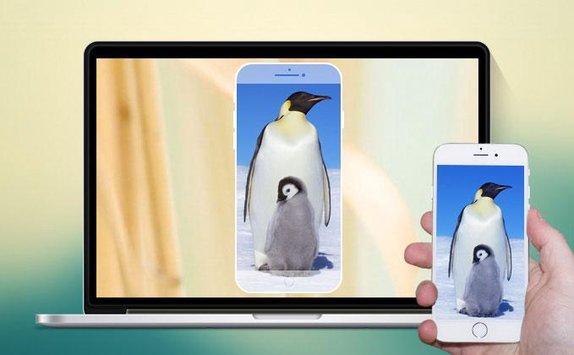
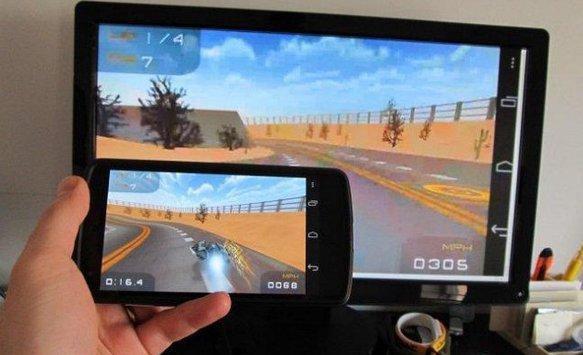
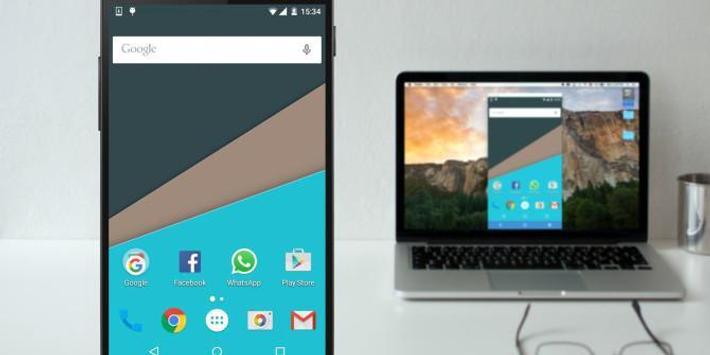
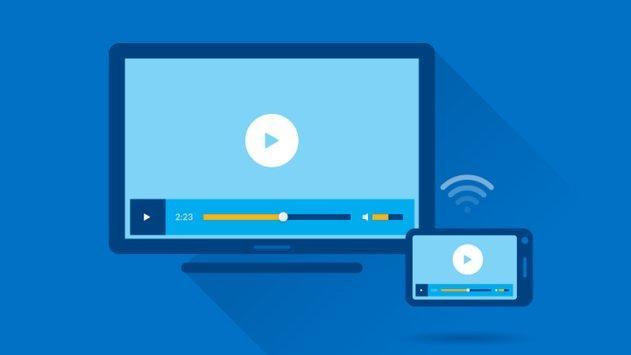
This application provides an easy shortcut and widget to use the Miracast external display screencasting feature included in Android 4.2 and above! With this app, you will more conveniently be able to mirror your screen or use the cast feature from supported applications.
#Features:
Cast android screen to TV screen (Smart TV must support Wireless Display / Miracast).
Find devices support show screen cast in current wifi network.
1) Your TV should support Wireless Display or any sort of Display Dongles.
2) The TV must be connected to wifi network same as your phone.
3) The Phone version must be android 4.2 and above.
4) Download and run Miracast for smart tv (wireless) App.
5) Happy Miracasting :)
P.S : This app always requires Miracast hardware/ software supported phones to connect and work successfully. Please do not rate the app with lower rating if your mobile did not support this feature.



9Apps 4.9














