Become a master of computers. you will understand how computers work and how to use them well.
Learn how to overcome the intimidation of computers and use this technology to better your life.
Start Now Free Beginners Computer Tutorials and Lessons :
- HardWare
- Email Basics
- Internet Basics
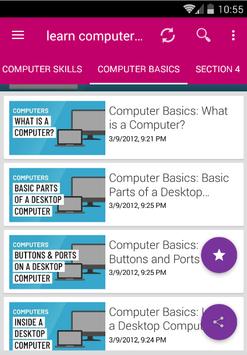
- Basic Parts of a Desktop Computer
- Buttons and Ports on a Desktop Computer
- Inside a Desktop Computer
- Getting to Know Laptop Computers
- Understanding Operating Systems
- Understanding Applications
Presented with high-quality video lectures, this course will visually show you how to easily do everything with computers. This is just some of what you will learn in this course:
Learn the basic principles of hardware including circuits, coding schemes, binary, the five generations of computers, Moore's Law, IPOS, registers, cache, RAM, magnetic storage, optical storage, solid-state storage, ROM, BIOS, the motherboard, buses, and the CPU.
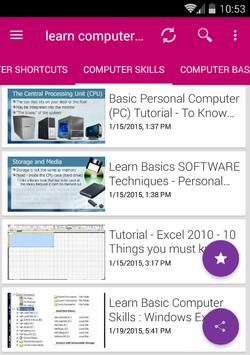
Learn how to operate a computer including a vast array of hands-on skills – just to mention a few for example: managing files, backing –up files, right clicking, taking screenshots, determining your computer’s properties, upgrading your computer, changing settings on your computer.
Learn how to use word processing software including the creation of a title page, document sections, headers and footers, styles, an automatically generated table of contents, the insertion of images, references, and the insertion of an automatically generated citation of works referenced.
Learn how to use spreadsheet software including formulas, functions, relative references, absolute references, mixed references, and the creation of a graph or chart.
Learn how to use video editing software including adding credits and transitions then publishing that video to a video hosting website such as YouTube.
Learn how to use databases including table creation, the setting of a primary key, the establishment of table relationships, the setting of referential integrity, and the creation and execution of a query.
Learn how to use presentation software to more effectively give presentations.
Learn to do some simple programing including designing, coding, testing, debugging, and running a program.
Learn about the world wide web including sending email, conducting searches , having familiarity with online educational resources such as Khan Academy, and having an awareness of online "cloud computing" tools such as Google Word Processing, Google Spreadsheets, and the many other online tools offered by Google.
Learn about application software and system software including operating systems, utilities, and drivers.
Learn about networks including architecture, topology, firewalls, security, wireless networks, and securing wireless networks.
Learn about the Internet, the World Wide Web, censorship, the digital divide, net neutrality, differing legal jurisdictions, website creation, multimedia, social media, and eCommerce.
Learn about information systems, systems development, and the systems development life cycle.
Learn about program development, programming languages, and the program development life cycle.
Learn about databases including table creation, primary keys, relationships, referential integrity, queries, and structured query language.
Learn about privacy and security issues related to computers.
Learn about robots and artificial intelligence including the Turing test.
Learn about intellectual property including patents, trademarks, copyrights, and the creative commons.
Learn about ethics and ethical issues relating to the use of technology.
Learn about health ramifications of using computers including repetitive stress injury, carpal tunnel syndrome, and ergonomics.
Learn about e-Waste and other environmental concerns related to technology.
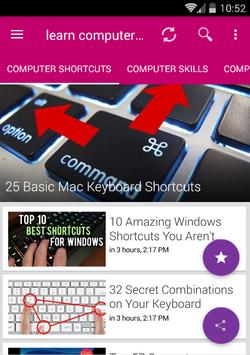
Back to Basics: Learn Computer skills & to Use Keyboard Shortcuts Like a Ninja
A guide for new computer users or those who want to know more to get started with the basics!

9Apps 4.9