

File Manager - File Explorer
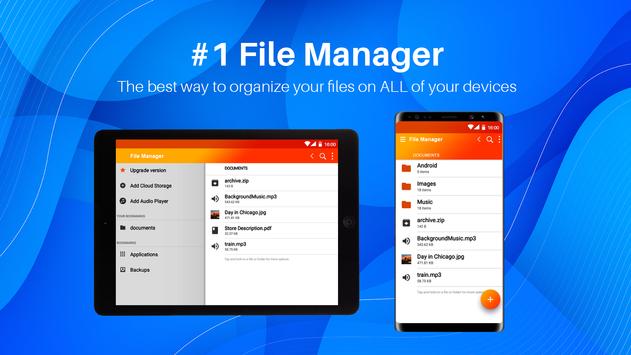
is easy and powerful file explorer for Android devices. It’s free, fast and full-featured. Because of its simple UI, it’s extremely easy to use. With
File Manager - File Explorer
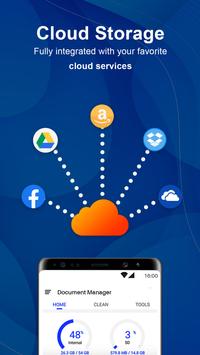
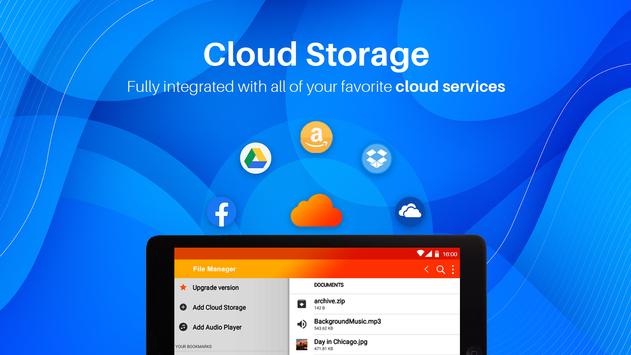
you can easily manage your files and folders on your device, NAS(Network-attached storage), and cloud storages. What’s more, you can find how many files & apps you have on your device at a glance immediately after opening
File Manager - File Explorer
.
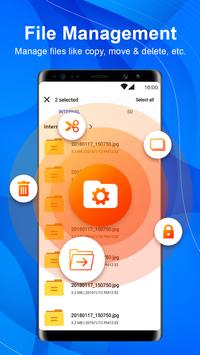
It supports every file management actions (open, search, navigate directory, copy and paste, cut, delete, rename, compress, decompress, transfer, download, bookmark, and organize).
File Manager - File Explorer
supports media files and major file formats including apk.
File Manager
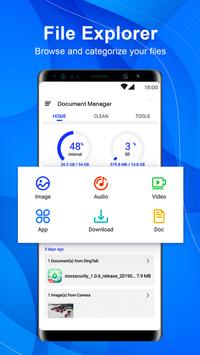
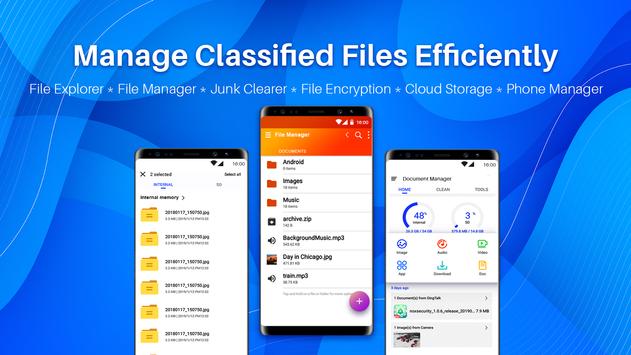
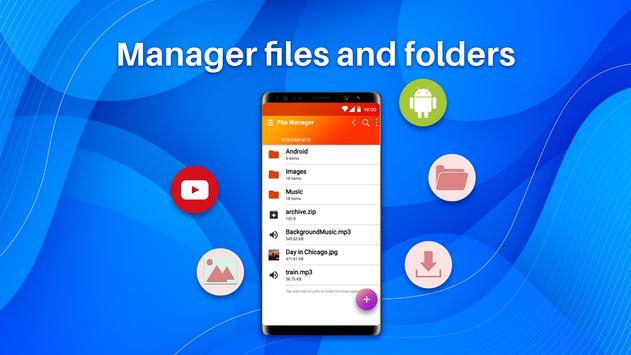
* Browse and access files by category((Images, Music, Videos, Documents, app, zip)
* Manage your files with search, cut, copy, paste, rename, collect and delete operations.
* List the detail info(name, path, type, size and modify time) for files.
* Built-in photo gallery and video player, click to play videos, check images
File Explorer
A Powerful desktop-grade features tool. Access directories, and files like windows simple and convenient. Click the node of the file or dir path quickly to change the path.
File Wireless transfer
Functions as an FTP: When this feature is enabled, you can manage and transfer files on your phone from your computer.
Other Main Features
* Favorite: You can add your frequently used file and directory to Favorite for quick access.
* Shortcut: Add a shortcut of file or directory to the desktop
* Recent: Quick reaccess recent files or directories
* Recycle Bin: Delete your file into Recycle Bin for deleted by mistake .
* App Manager: Easily to manage all your installed applications.
Download
File Manager - File Explorer
app now if you want a best file manager or file explorer tool of Android manager tools.

9Apps 4.9
















