
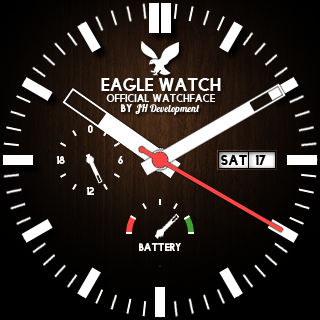

Eagle Watch Face:
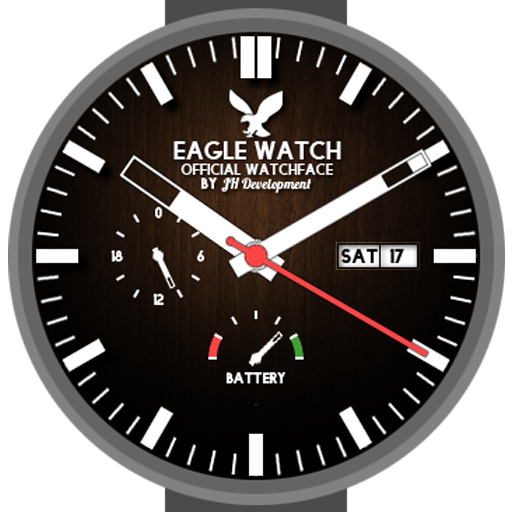
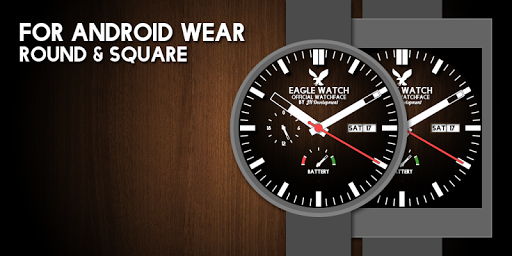
High resolution Watchface for all Android wear devices.
Energy saving: seconds and battery status are calculated and drawn only in active mode.
Totally Free! No advertising!
Classic and easy to reed design.
Immitates automatic watches: second hand can move constantly.
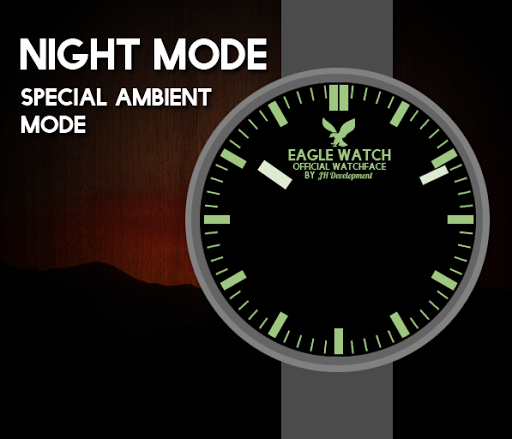
Special Ambient Mode: Night mode mimics the look of classic watches at night.
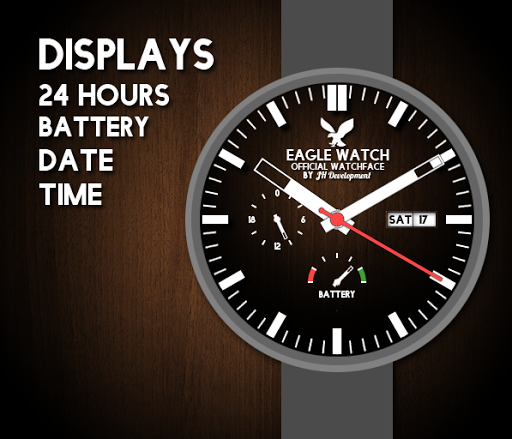
Displayed:
- Time
- 24 hour display
- Battery Status
Watch Face customization options:
- Second display (second-hand moves every second or millisecond)
- 24 hour display
- Battery Status
- Real-time shadows
- Customizable Ambient mode: darkened without second hand or night mode
How is the Watchface installed on the clock?
-> The installation is automatic.
How is the Watchface configured?
-> Longtab on the watch face, then click on the small gear.
One last request
poor reviews:
please
specify a suggestion for improvement . Otherwise, no update or fix can be created. Thank You!
Attribution:
Eagle silhouette in flight by freepik is licensed under cc by 3.0 / inverted original
Improved accuracy of battery indicator.
Reduced battery drain.


9Apps 4.9


![Black Belt Eagle Scout - Soft Stud [Official Music Video] screenshot 5](https://i.ytimg.com/vi/di2rv4gmHlo/mqdefault.jpg)














