
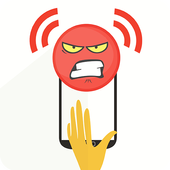


Don’t Touch My Phone: Security
It’s very simple to use.
Just activate the alarm and put it on table or fixed place.
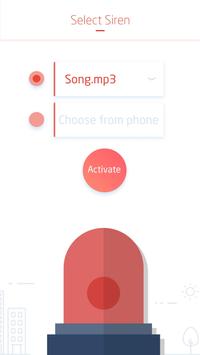
You can also set your alarm tone from default sounds or from your phone.
How to Use?
Activating Alarm:
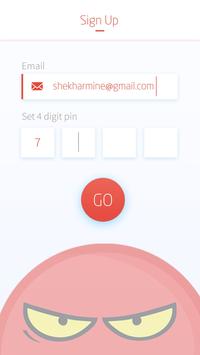
1) Set Up Pin Lock
2) Activate the alarm.
3) Put the device on a fixed place and relax.
Deactivating Alarm:
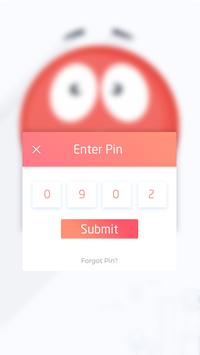
1. Enter PIN
2. Click on Deactivate.
3. That’s it. You’ve done.
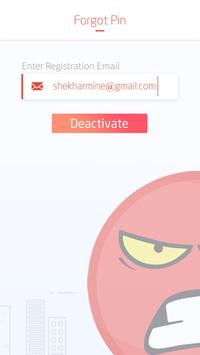
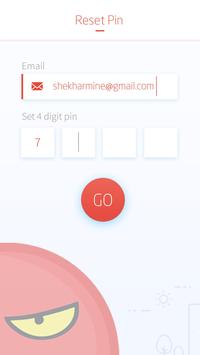
Forgot PIN?
Enter Registered Email to Deactivate Alarm and Setup a New PIN.
Let us know your Valuable feedback.
We’re always open for your suggestions.
Thank You.
Progon Technologies.
Don’t Touch My Phone: Security
It’s very simple to use.
Just activate the alarm and put it on table or fixed place.
You can also set your alarm tone from default sounds or from your phone.
How to Use?
Activating Alarm:
1) Set Up Pin Lock
2) Activate the alarm.
3) Put the device on a fixed place and relax.
Deactivating Alarm:
1. Enter PIN
2. Click on Deactivate.
3. That’s it. You’ve done.
Forgot PIN?
Enter Registered Email to Deactivate Alarm and Setup a New PIN.



9Apps 4.9














